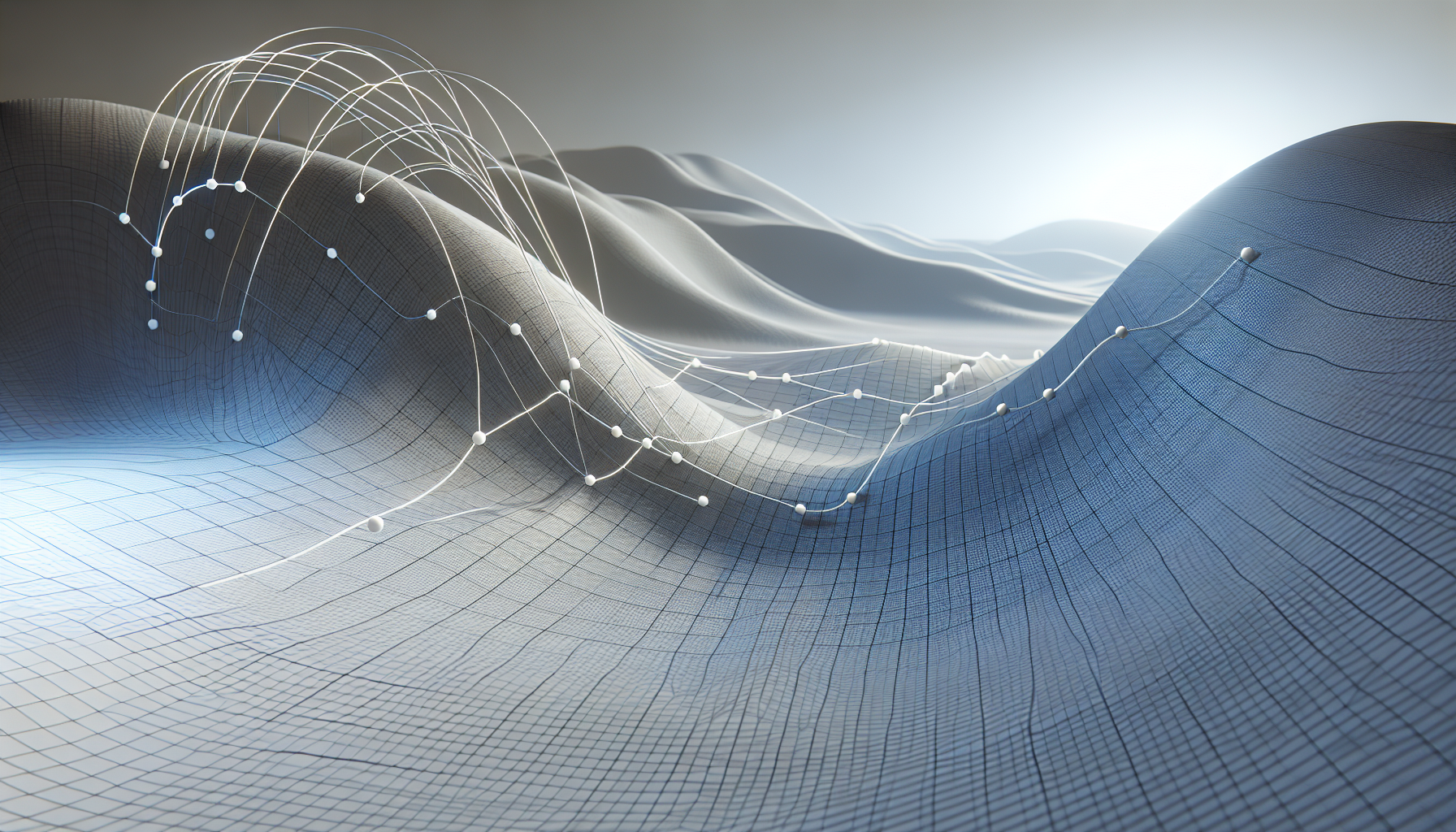
Spline meshes in Unreal Engine are a fascinating feature that blend the geometric flexibility of splines with the visual complexity of meshes. Essentially, they allow you to take a static mesh—a 3D model—and deform it along a spline, which is a curved line defined by a series of control points. This feature opens up a plethora of possibilities for game developers and designers, allowing for the creation of intricate structures and environments that are both dynamic and visually appealing.
How Do Spline Meshes Work?
At its core, a spline mesh component in Unreal Engine takes a static mesh and maps it along the length of a spline segment. This segment is defined by two points on a spline, and each segment can be manipulated independently to create curves. The mesh will bend, twist, and stretch to conform to the shape of the spline between these two points.
Key Characteristics of Spline Meshes:
- Flexibility: Spline meshes are incredibly flexible. You can twist them around, stretch them to great lengths, or squeeze them into tight curls, all without altering the original mesh data. This makes them perfect for creating roads that wind through a landscape, pipes that twist around machinery, or even dynamic objects like snakes or tentacles.
- Seamlessness: When multiple spline mesh components are used along a single spline, they can be aligned to ensure that the transition between each mesh is seamless. This is crucial for creating things like continuous roads, rivers, or railway tracks without obvious breaks or distortions.
- Control: Each spline mesh segment can be controlled through its start and end points, as well as through start and end tangents that determine the curvature. This level of control makes it possible to fine-tune the appearance of the mesh along the spline, ensuring that it behaves just as you need it to.
- Efficiency: By using spline meshes, you can create complex and detailed models using relatively simple meshes that are repeated and deformed. This can be much more memory and performance efficient compared to using a large number of unique, complex meshes.
Practical Applications of Spline Meshes:
- Roads and Paths: One of the most common uses of spline meshes is in the creation of roads and pathways in a game environment. By adjusting the spline, you can easily create winding paths that follow the terrain.
- Architectural Elements: Spline meshes can be used to create architectural features like spiral staircases, ornate archways, or even entire facades that curve around a structure.
- Environmental Details: From rivers that snake through a landscape to vines that climb a wall, spline meshes add a dynamic quality to environmental design that static meshes alone cannot achieve.
- Animated Objects: Spline meshes can also be animated, making them useful for objects that need to move in complex ways, such as tentacles, ropes, or conveyor belts.
Tips for Using Spline Meshes Effectively:
- Keep It Simple: While spline meshes are powerful, they work best when the base mesh is relatively simple. Overly complex meshes can become distorted when bent along a spline.
- Optimize Mesh Orientation: Pay attention to the orientation of your mesh along the spline. Incorrect alignment can lead to unexpected twists or bends that may not fit your design intentions.
- Use Snap Points: For continuity along a spline, especially with architectural or environmental elements, use snap points to ensure that meshes align perfectly without visible seams.
- Test and Iterate: The behavior of spline meshes can sometimes be unpredictable, especially with complex splines or extreme deformations. Regular testing and iteration can help you achieve the desired result without compromising performance.
In conclusion, spline meshes in Unreal Engine provide a robust toolset for adding versatile and dynamic 3D models to your scenes. Whether you’re building a quaint cobblestone path, a roaring river, or an alien creature, spline meshes offer a blend of control and creativity that can bring your virtual worlds to life.
