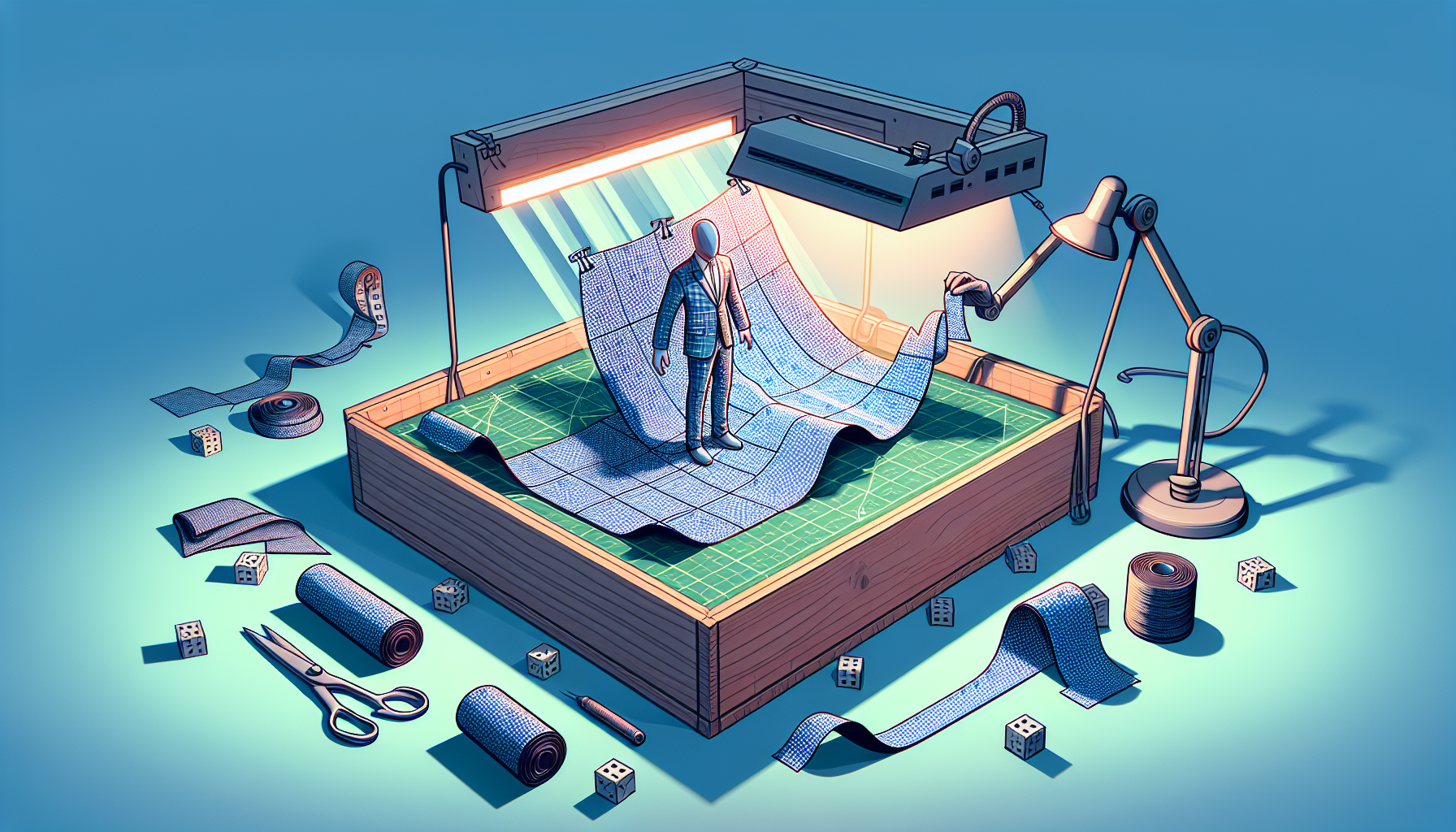
Welcome to the world of UV unwrapping, where the UV Editor in Unreal Engine plays the role of a digital tailor for your 3D models. It’s not just about slapping colors and textures onto a model; it’s about dressing them up meticulously so that every texture seam and color gradient sits perfectly, much like ensuring a bespoke suit fits without a wrinkle.
Let’s dive into the UV Editor, a tool that might seem as complex as a Rubik’s Cube at first glance, but becomes an indispensable ally in adding life and realism to your models.
What is the UV Editor?
Picture this: you’re trying to wrap a gift, but instead of a box, you have a bicycle. Sounds tricky, right? That’s the sort of problem the UV Editor solves but in the digital realm. The UV Editor in Unreal Engine allows you to lay out how a 2D texture wraps around a 3D object, ensuring that every detail of the texture aligns correctly with the surfaces. UV mapping is the art of flattening a 3D model into 2D so that you can paint or photograph textures onto it without any awkward stretching or misalignments.
The Features of UV Editor: A Tailor’s Kit for Your 3D Models
- Precision Mapping: The UV Editor offers tools to cut, sew, and stretch your textures over the 3D mesh with surgical precision. It’s like fitting a suit, where every seam must line up and every pattern must meet exactly right to look sharp.
- Visualization Tools: With visualization options such as checkerboard patterns and color overlays, the UV Editor helps you identify issues like stretching or compression, making it easier to adjust the UV map for optimal texture display.
- Seamless Texturing: The editor provides functionality to ensure textures are seamless across the model, particularly important for organic or highly detailed models. Think of it as making sure the pattern on your shirt continues flawlessly from sleeve to body without an odd break.
- Advanced Selection and Manipulation: Select edges, vertices, or faces with ease. Move, scale, and rotate UV islands (individual pieces of the UV map) to make the most efficient use of your texture space, just like adjusting patterns on fabric to minimize waste.
How to Use the UV Editor Like a Pro
Step 1: Access the Editor
- Open your 3D model in Unreal Engine, and navigate to the mesh editor. From there, access the UV Editor to start tweaking your model’s UVs.
Step 2: Analyze the Current UVs
- Begin with a critical eye—apply a checkerboard texture to see how the existing UVs handle a standard pattern. Look for distortions or overlapping areas.
Step 3: Start Unwrapping
- Use the UV Editor’s tools to project, peel, or unwrap the UVs based on the geometry of your model. This process is akin to deciding how to cut fabric based on a clothing pattern.
Step 4: Optimize Texture Space
- Arrange your UV islands efficiently. Scale and rotate them to fit within the UV grid, ensuring maximum usage of texture space and minimizing wasted areas.
Step 5: Refine and Adjust
- Refine your UV map by adjusting seams and ensuring there are no stretches or compressions unless intentional. It’s like fine-tuning the fit of a garment.
Step 6: Test with Textures
- Apply your final textures to see the results of your UV mapping work in action. Adjust as necessary to perfect the look.
Tips and Tricks for Mastering the UV Editor
- Be Patient: UV mapping can be intricate, requiring patience and attention to detail. Take your time to learn how different tools affect the mapping and what strategies work best for different types of models.
- Keep Learning: Dive into tutorials, forums, and community resources. The more you learn from others, the more adept you’ll become at leveraging the UV Editor for your projects.
- Practice Makes Perfect: Like any skill, the more you practice UV mapping, the better you’ll get. Try unwrapping various types of models to understand the challenges and tricks associated with each.
Conclusion: The Art of Digital Tailoring
The UV Editor in Unreal Engine is more than just a tool; it’s an extension of your creative expression, allowing you to tailor textures to 3D models with the precision of a master tailor. By mastering the UV Editor, you elevate the visual fidelity of your projects, ensuring that every texture, from the worn leather of a warrior’s armor to the slick surface of a futuristic car, is displayed to perfection.
So, grab your digital shears and measuring tape, and start tailoring your textures with the confidence of a couturier in the world of 3D modeling.
