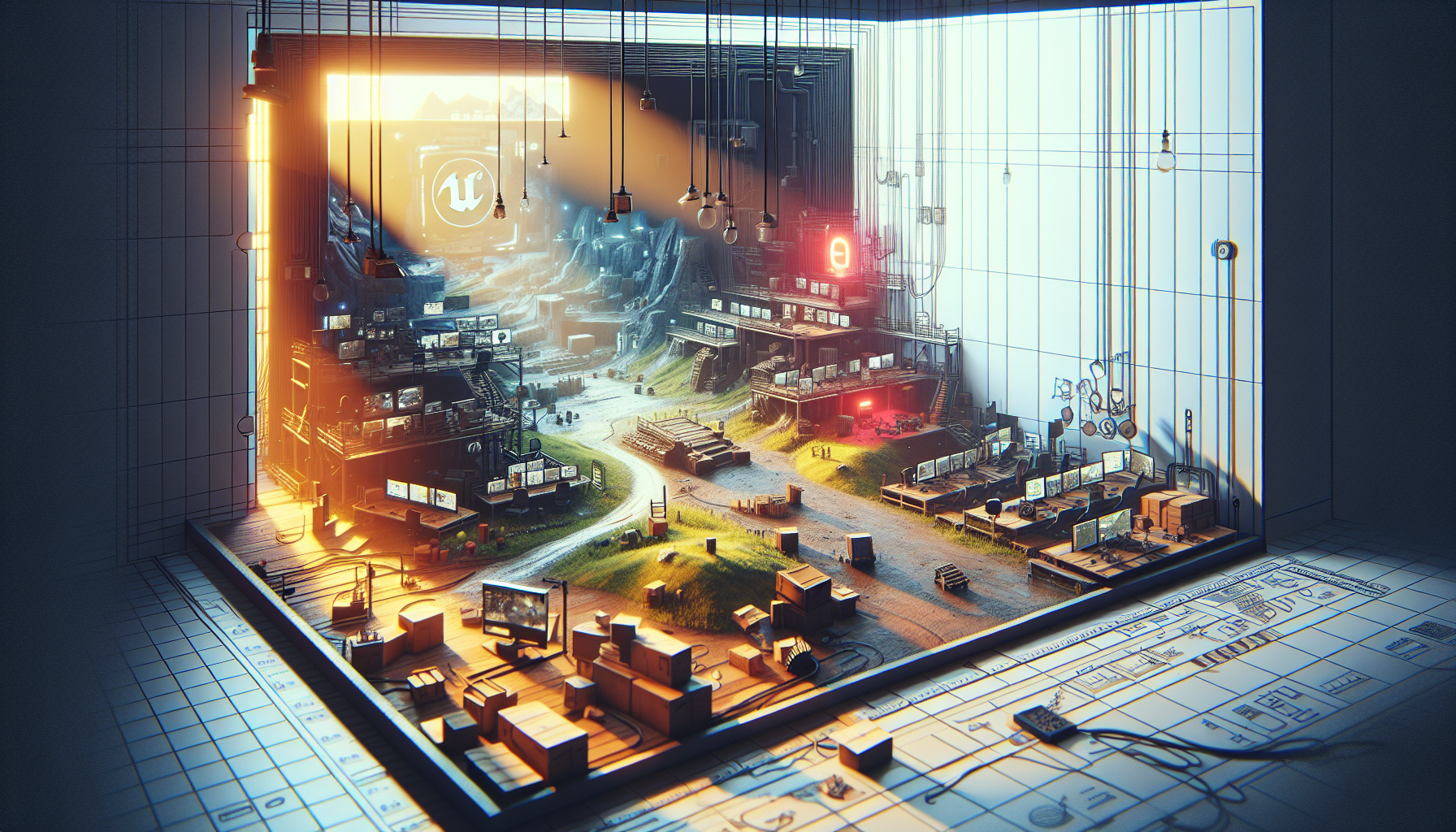
Welcome to the virtual playground of Unreal Engine’s Level Editor, where the building blocks of your gaming universe are at your fingertips! Think of it as a sandbox, but instead of sand, you’re working with an arsenal of cutting-edge tools that bring your most ambitious designs to life. Here, creativity meets functionality in a dance of design and technology, making it the perfect stage for your next masterpiece.
What is the Level Editor?
The Level Editor in Unreal Engine is like the command center of game development. It’s where you bring together various elements like landscapes, characters, lighting, and props to create interactive scenes and levels. This is your canvas for painting in broad digital strokes—where each asset placement, every light source, and all the action scripting come together to form a cohesive, interactive experience.
Key Features of the Level Editor
1. User-Friendly Interface: The Level Editor boasts a sleek, intuitive interface that makes navigation and operation as smooth as the gameplay you’re aiming to create. Whether you’re a seasoned pro or a budding developer, it’s designed to let your creativity flow unimpeded.
2. Drag-and-Drop Functionality: Imagine you’re a DJ mixing tracks, but instead of beats, you’re blending 3D models, textures, and sounds. Drag and drop assets directly into your scene, positioning them in real-time. It’s that easy to start building the world of your dreams.
3. Real-Time Play Testing: In the world of game design, instant feedback is invaluable. The Level Editor allows you to jump into play mode instantly—right within the editor. Test, tweak, and try again, all without the delays of lengthy compiles or context switching.
4. Comprehensive Asset Management: With the power of Unreal Engine’s Content Browser integrated directly into the Level Editor, managing your game assets is a breeze. Organize, search, and access everything you need with efficiency that would make a library cataloguer envious.
5. Advanced Lighting and Shadow Tools: Lighting can make or break a game’s atmosphere. With the Level Editor, you’re equipped to manipulate lighting down to the finest detail. Adjust hues, intensities, and angles to set just the right mood, from eerie shadow-laden alleys to sunlit, sprawling landscapes.
Building Your First Level: A Quick Guide
Step 1: Layout Your Terrain
- Start with the ground beneath your characters’ feet. Use the landscape tools to sculpt terrain elevations and valleys—your foundational canvas.
Step 2: Add Structures and Props
- Bring in static meshes like buildings, trees, and vehicles. Arrange these elements to craft your scene, paying attention to both aesthetics and gameplay flow.
Step 3: Illuminate Your World
- Now it’s time for some lights. Place various light sources to highlight key areas, enhance mood, and guide player movement. Remember, lighting isn’t just functional; it’s part of the storytelling.
Step 4: Populate with Actors
- Actors are objects that can interact or be interacted with in the game. Populate your level with characters, enemies, and interactive items. Each actor plays a role in the narrative tapestry of your game.
Step 5: Script Events
- Use Blueprints or custom scripts to add interactivity to your level. Whether it’s opening doors, triggering cutscenes, or starting enemy waves, this is where your level really comes to life.
Why Dive Into the Level Editor?
Using the Level Editor is like being the director of your own digital movie. Each decision impacts the player’s experience, and your vision becomes reality through the tools at your disposal. It’s empowering, allowing you to craft intricate game levels that are not only visually stunning but deeply engaging.
In the dynamic world of game development, Unreal Engine’s Level Editor is your gateway to creating environments that captivate, challenge, and charm. So why wait? Jump in, start creating, and watch as your virtual worlds take shape, one click at a time. In the grand scheme of game design, the Level Editor isn’t just a tool; it’s your partner in creation.
