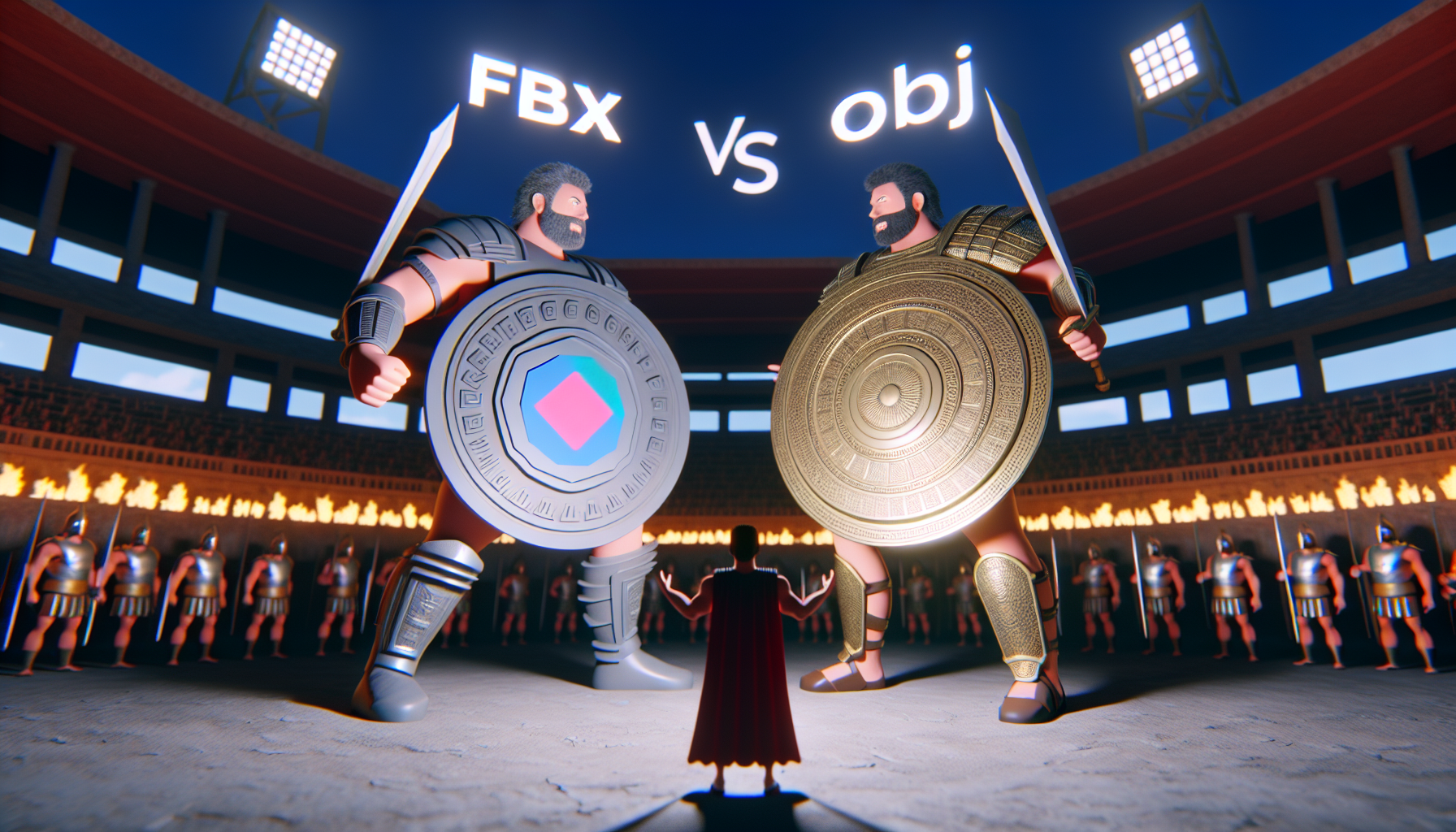
In the grand universe of 3D modeling and animation, there’s an ongoing tussle between two heavyweight file formats: FBX and OBJ. These formats are like the Batman and Superman of the 3D world; each has its strengths, weaknesses, and fans. For anyone tinkering with Cinema4D or Unreal Engine 5, understanding these differences can save you from a world of frustration. Let’s dive into what makes each format tick and how they stack up against each other, shall we?
OBJ: The Old Reliable
First up is OBJ, one of the oldest file formats in the 3D modeling arena. Developed by Wavefront Technologies in the early ’80s, it’s like the trusty old hatchback that never lets you down. It’s straightforward and universally supported, making it a go-to for basic 3D model exchanges.
Strengths:
- Simplicity: OBJ files are beautifully simple. They primarily contain geometry and can include UV texture coordinates and normals, which are like the essential spices in your 3D recipe.
- Compatibility: Due to its age and simplicity, almost every 3D software can read and write OBJ files. Whether you’re in Cinema4D or popping into Unreal Engine 5, OBJ is the least likely to give you a compatibility headache.
Weaknesses:
- Lacks Complexity: OBJ files are like a plain burger – no pickles, no sauce, nada. They don’t support animations, skeletons (rigs), or complex scene information, which can be a dealbreaker for more advanced projects.
FBX: The Swiss Army Knife
On the other side, we have FBX, developed by Autodesk. Think of FBX as the multitool you bought but keep discovering new uses for. It’s versatile, supporting not just geometry, but also animations, cameras, lights, and more.
Strengths:
- Rich Feature Set: FBX files carry a lot of weight, able to handle nearly everything you throw at them in a 3D scene, including that fancy animation of a dancing robot you’ve been working on.
- Interoperability: When it comes to working between different tools like Cinema4D and Unreal Engine 5, FBX files are fantastic. They maintain most of the data you need, which translates to fewer hiccups during import and export.
Weaknesses:
- Complexity and Size: With great power comes great… file size and complexity. FBX files can be heavy and sometimes overkill if you’re just looking to pass simple models around.
In the Ring: Cinema4D and Unreal Engine 5
So, how do these formats perform when thrown into the ring with Cinema4D and Unreal Engine 5? Let’s break it down:
- Cinema4D: Here, both FBX and OBJ files work well, but FBX often takes the lead due to its ability to handle complex data like animations and scene information — crucial for making sure that character’s dance moves look just right.
- Unreal Engine 5: Unreal loves FBX for the same reasons. It thrives on rich, interactive environments, which FBX files can provide. While OBJ files can be used for static models, FBX is generally preferred if you’re importing an entire scene or need to include animations.
The Verdict
Choosing between FBX and OBJ often boils down to your project’s needs:
- Go for OBJ if: You’re dealing with simple, static models where the game isn’t rigged with animations or complex textures.
- Choose FBX when: Your project is a behemoth with animations, textures, and needs every bit of detail from the original files to be preserved.
Both FBX and OBJ have their places in the 3D modeling workflow, and knowing which to use (and when) can save you from a digital headache. Remember, the right tool for the right job isn’t just good advice for carpentry—it’s a golden rule in digital modeling too. Happy modeling, and may your vertices always be manifold!
