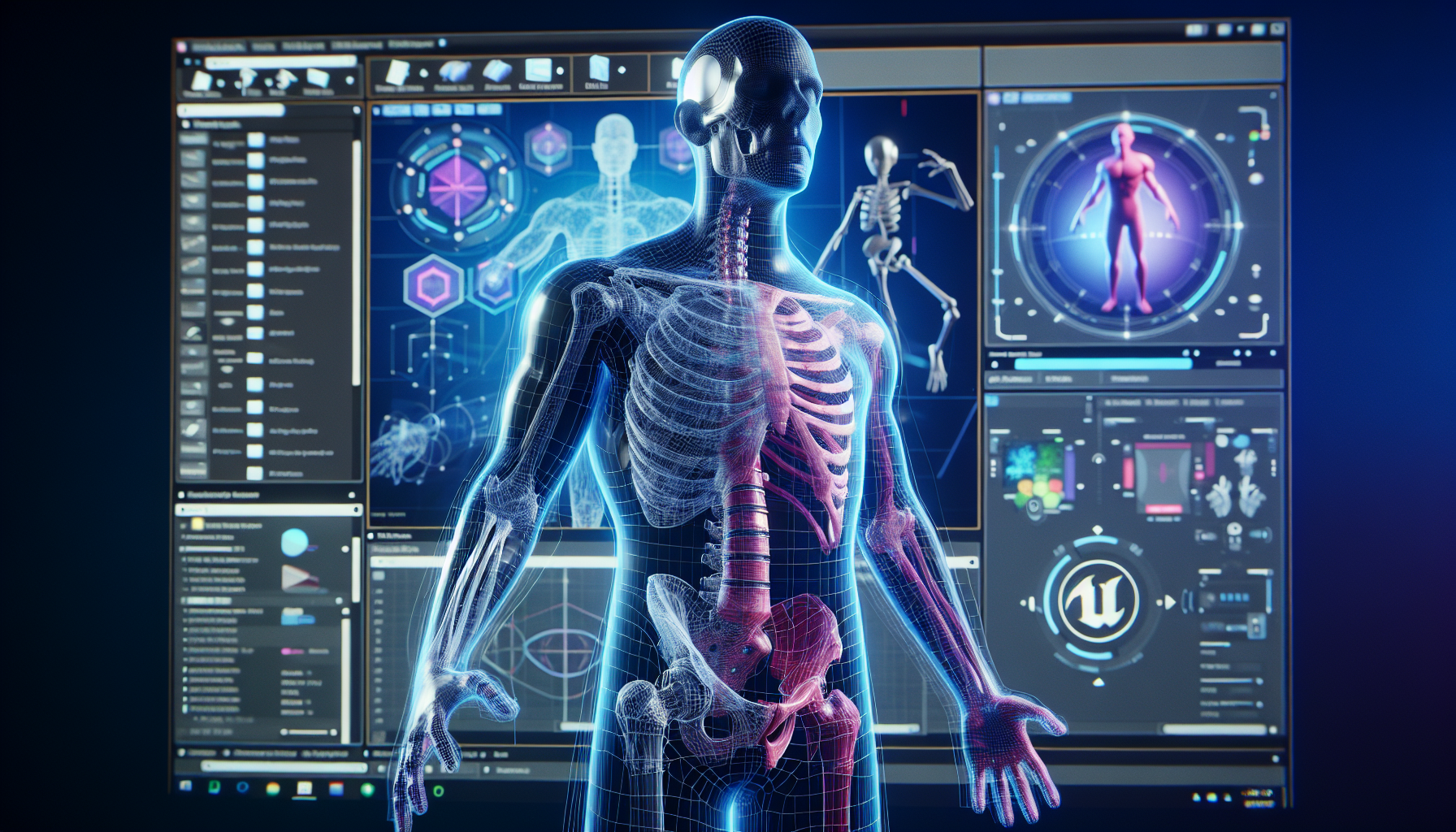
Welcome to the behind-the-scenes magic of Unreal Engine 5, where the Skeletal Mesh Editor and Skeleton Editor reign as the unsung heroes of character animation. Imagine them as the digital equivalent of an anatomist and an orthopedist, respectively. One crafts the body, the other ensures the bones are all correctly aligned and functioning. Whether you’re sculpting a fearsome dragon or a dapper hero, these tools are essential for breathing life into your creations, ensuring they move with a convincing blend of realism and intention.
Skeletal Mesh Editor: The Body Sculptor
The Skeletal Mesh Editor in Unreal Engine 5 is where your 3D characters gain their form and structure. It’s where meshes and bones meet, creating a framework that supports everything from simple movements to complex, dynamic animations.
- What is a Skeletal Mesh?
- A skeletal mesh is a 3D model that has a skeleton of bones embedded within it. These bones are used to animate the mesh in a way that mimics real-world skeletal movements. Think of it as a puppet that needs a skeleton to be manipulated.
- Features of the Skeletal Mesh Editor:
- Viewport: Here, you can visually inspect and interact with your skeletal mesh. Rotate, zoom, and pan around your creation to see it from every angle.
- Bone Hierarchy: This panel displays the hierarchical structure of the skeleton. It’s where you can select and inspect individual bones and ensure they’re properly connected.
- Mesh Details: Adjust settings related to the mesh itself, including materials and physical properties. Here, you ensure the skin looks just right, from its texture to how it reacts to light.
Skeleton Editor: The Bone Specialist
While the Skeletal Mesh Editor handles the outer form, the Skeleton Editor is all about the bones. Here, you dive deeper into the skeleton of your characters, setting up bone hierarchies, defining sockets for attaching items or effects, and ensuring the rigging is ready for animation.
- Navigating the Skeleton Editor:
- Bone Trees: Much like a family tree, the bone tree in the Skeleton Editor outlines the relationship between all the bones in your skeletal mesh. This structure is crucial for animation as it defines how movements of one bone affect others.
- Socket Management: Sockets are points on the skeleton where you can attach other objects, like weapons, clothing, or even visual effects. Adding and managing sockets in the Skeleton Editor allows for dynamic interactions and accessories that move naturally with your character.
- Animation Retargeting: This feature enables you to use animations from one skeletal mesh on another, provided they share similar structures. It’s a powerful way to expand your animation library without additional animating from scratch.
Tips for Maximizing Your Use of These Editors
- Maintain Clean Bone Structures: When setting up your skeletal meshes, keep the bone hierarchy logical and minimal. Overcomplicating the skeleton can lead to issues in animation and performance.
- Utilize Visualization Tools: Both editors offer various visualization tools to help you understand how the skeletal mesh will look and behave in different scenarios. Use these tools to check for potential issues like skin clipping or unnatural deformations.
- Leverage Import Options: When importing skeletal meshes and skeletons, carefully adjust import settings to match the needs of your project. Incorrect settings can lead to extra work correcting issues that could have been avoided.
Conclusion: Bringing Characters to Life
The Skeletal Mesh Editor and Skeleton Editor in Unreal Engine 5 are foundational tools for any 3D character development workflow. They allow artists and animators to construct detailed, functional models that are ready for the virtual stage. By mastering these tools, you ensure your characters not only look great but move with an impressive range of motion and realism. Dive deep into these editors, and watch as your digital creations take their first steps into a lively, animated existence.
