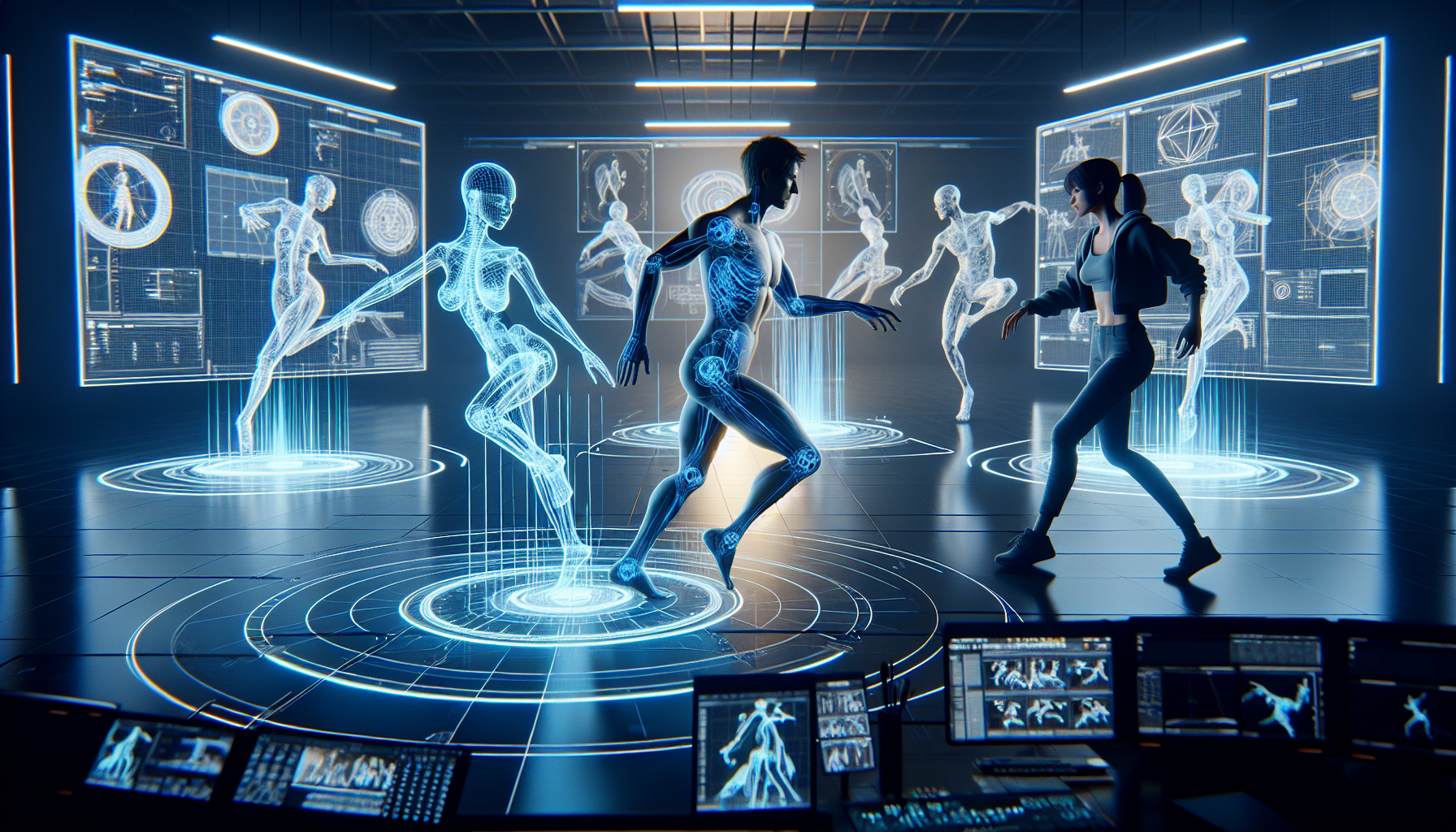
Welcome to the world of retargeting animations in Unreal Engine, where the motto “work smarter, not harder” takes center stage. If you’ve ever wondered why animators don’t lose their marbles animating each character from scratch, retargeting is the secret sauce. It’s about recycling at its finest—using one animation across multiple character models, like hand-me-downs in a large family, but cooler.
Why Retarget Animations?
Imagine you’ve painstakingly animated a complex dance sequence for one character. Now, you want all your characters to bust the same moves at your game’s victory celebration. Do you start each from scratch? No! With retargeting, you can apply the original dance moves to all other characters, ensuring they shake and shimmy just right, regardless of their size or proportions.
Retargeting: A Two-Flavored Feast
In Unreal Engine, retargeting comes in two flavors: using the same skeleton and using different skeletons through an intermediary rig. Here’s the scoop on each:
- Using the Same Skeleton:
- This is the straightforward method where all characters share the same bone hierarchy. You animate once, and all characters using that skeleton can share the animation seamlessly. It’s like giving everyone the same dance steps at a flash mob.
- Using Different Skeletons:
- A bit more complex, this method uses a rig as a translator between skeletons that don’t speak the same anatomical language. It ensures that a nod in one skeleton translates to a nod in another, not a bizarre head twist.
Setting Up the Dance Floor: Steps for Retargeting
Here’s how to get your characters moving in sync, whether they’re sharing the same skeleton or not:
- Prepare the Skeletons:
- If using the same skeleton, make sure all characters are rigged to it. If different, you’ll need a shared rig setup that both source and target skeletons can use.
- Animation Blueprint Magic:
- Open the Animation Blueprint for your target character and introduce a Retarget Pose From Mesh node. This node pulls in the source character’s mojo and adjusts it to fit the target.
- Tweaking the Details:
- Adjust translation settings for bones that need to move naturally (like the pelvis) to ensure your character doesn’t end up floating or sinking weirdly during animations.
Why You Should Bother?
Retargeting not only saves hours (or days!) of work but also brings consistency to your characters’ movements. It allows for a diverse cast of characters to perform the same actions believably, making your game world rich and vibrant without your animators needing a vacation post-launch.
Tips for a Smooth Retargeting Experience
- Test Extensively: What looks good on one character might look odd on another. Test animations on all character models to catch any awkward moves.
- Mind the Proportions: Characters with significantly different body proportions may need extra tweaks, especially if using different skeletons. Keep an eye on limb lengths and joint rotations.
- Use Preview Meshes: Swap out different character meshes in the animation preview to spot issues early in the development process.
Wrapping Up: A Choreographer’s Dream
Retargeting in Unreal Engine is like being the choreographer of a broadway show with an unlimited cast. You teach one star the moves, and the rest follow suit, each adding their unique flair while maintaining the rhythm of the original.
So, grab those animations, start retargeting, and watch as your digital troupe performs with synchronized perfection!
