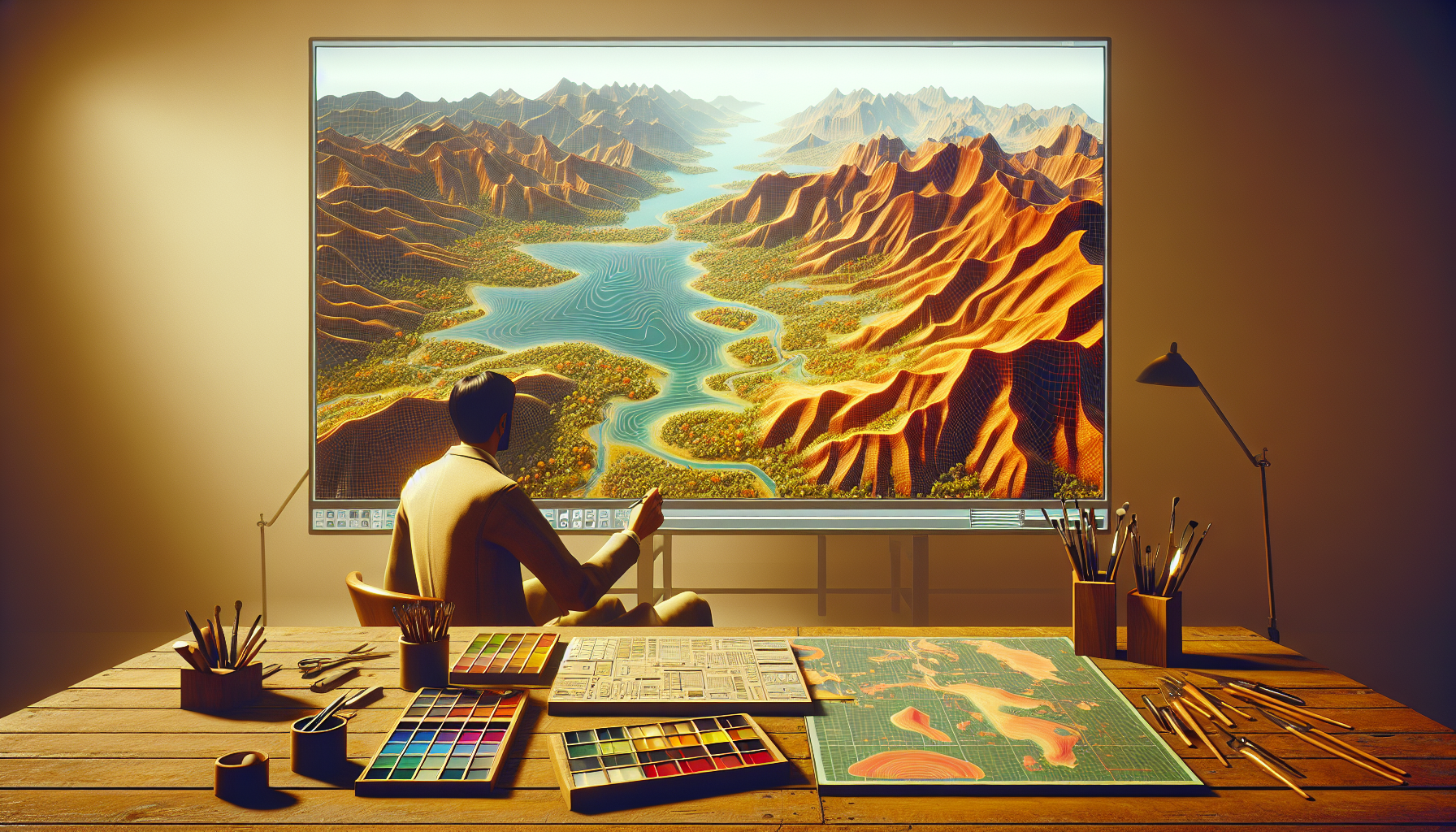
Ah, the great digital outdoors! Where the mountains are as scalable as the data structures, and the rivers are as dynamic as the algorithms that shape them. Welcome to the realm of landscape creation in Unreal Engine, where we’re not just shaping virtual worlds; we’re crafting ecosystems with the precision of a sculptor and the vision of a landscape architect. If you’ve ever dreamed of painting with the broad strokes of nature, buckle up—your digital canvas awaits!
Why Landscape Creation Matters
In the epic quest for immersive game environments, landscapes are not merely backdrops; they are characters in their own right. They set the stage, dictate gameplay dynamics, and profoundly affect the aesthetic and emotional experience of the player. Crafting landscapes in Unreal Engine is like being handed the keys to a bulldozer and a palette of natural elements. Hills, valleys, rivers, and more are at your command, ready to be molded into a world that players can explore and interact with.
Tools of the Trade: Unreal Engine’s Landscape Editor
Unreal Engine’s Landscape editor is the Swiss Army knife of terrain creation. It’s equipped with a plethora of tools designed to carve, sculpt, and finesify your virtual land. Here’s a peek into this toolbox:
- Sculpting Tools: Think of these as your chisels and hammers. Whether you’re raising mountains or carving pathways, these tools let you push and pull the terrain to match your vision.
- Painting Tools: Once your mountains and valleys are in place, it’s time to paint them to life. With layer-based painting tools, you can apply textures like grass, rock, or sand, defining not just the look, but also the feel of different areas.
- Foliage System: No landscape is complete without a touch of green (or autumn orange, or even alien purple). The foliage system allows you to sprinkle vegetation dynamically over the terrain, based on rules you define. Trees, bushes, and ground covers can be painted across the landscape, automatically adapting to the terrain’s hills and dips.
- Water System: What’s a valley without a river or a lake? Unreal’s integrated water system lets you add bodies of water that interact naturally with the terrain, complete with flow, reflection, and refraction.
Crafting Your First Landscape
Step 1: Define Your Terrain
- Start with a blank slate and sketch out a basic outline. What are the major features? Where are the high points and the low points?
Step 2: Sculpting the Terrain
- Use the sculpting tools to raise, lower, smooth, and flatten your terrain. This is where you build the bones of your landscape—mountain ranges, riverbeds, and plains.
Step 3: Painting the Surface
- Once the shape is right, start painting textures onto the surface. Layer different materials to create realistic variations—rocky cliffs, sandy shores, or muddy riverbanks.
Step 4: Vegetation and Foliage
- With the general terrain and texture set, bring your landscape to life by adding foliage. Use the foliage painter to scatter trees, grass, and flowers, creating dense forests or sparse deserts.
Step 5: Add Water Features
- Integrate lakes, rivers, or seas using the water tools. Adjust their levels to blend seamlessly with the terrain, ensuring natural-looking shores and banks.
Why Dive Into Digital Landscaping?
Landscape creation is a powerful skill in any game developer’s toolkit. It enhances environmental storytelling, supports gameplay mechanics, and enriches the visual experience. Each hill, each waterway carries the potential for adventure, discovery, and drama.
In the grand theatre of game development, a well-crafted landscape is not just scenery; it’s a world waiting to be explored, a challenge to be met, and a story to be told. So grab your tools, don your artist’s cap, and start sculpting. In the world of Unreal Engine, the only limit to the landscapes you create is the horizon itself—and even that’s negotiable!
