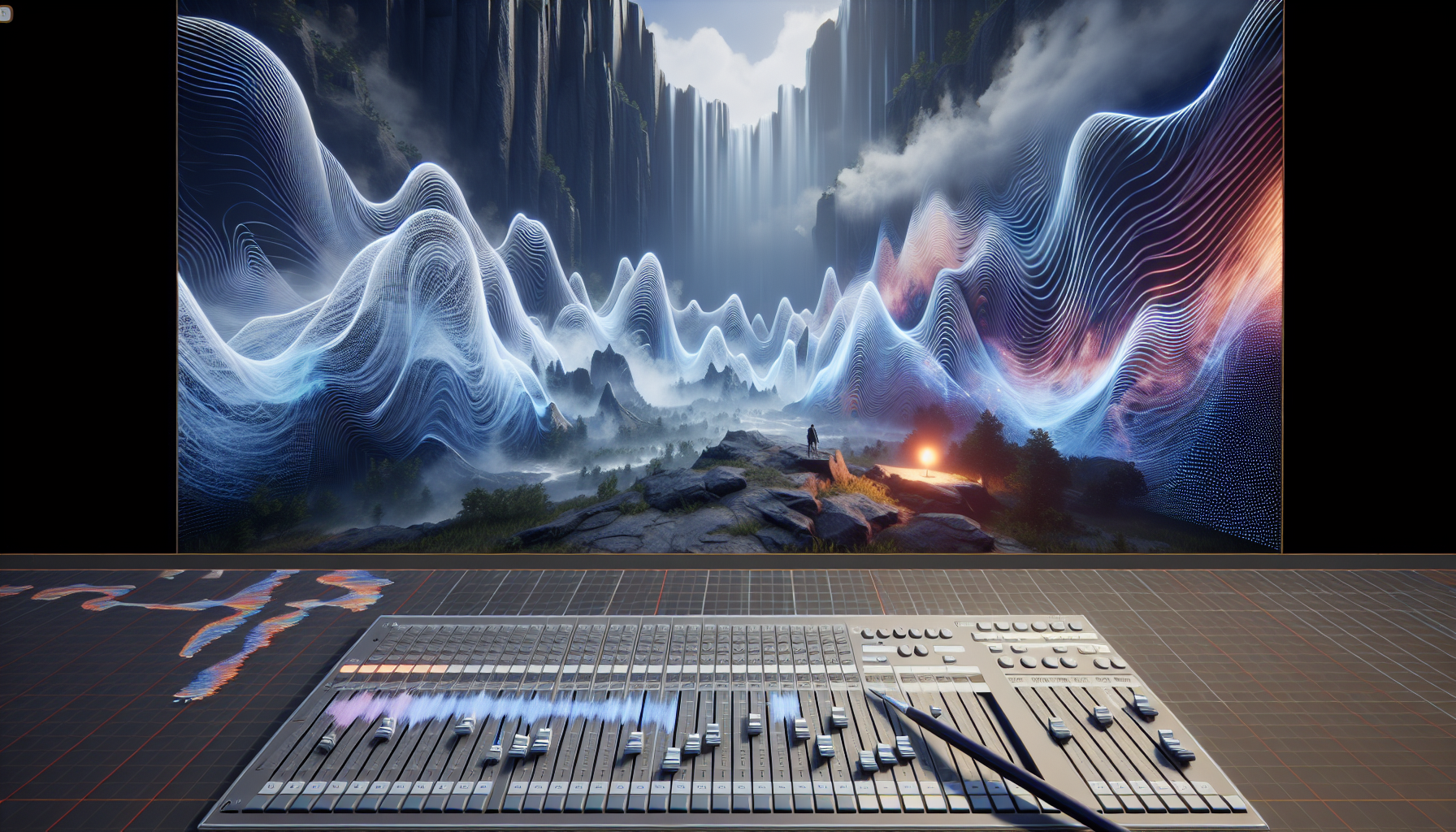
Welcome, dear creators, to the mystical realm of Soundscape in Unreal Engine, where the air is thick not just with pixelated potential but with the sonic seasoning that can turn your digital stew from bland to grand. Today, we’re going to serenade our senses with a deep dive into the Soundscape tool, the unsung hero (pun very much intended) of Unreal’s audio arsenal. So, tune your instruments—or just your expectations—as we explore how to make your projects sound not just good, but Unreal.
The Symphony of Soundscape: What’s the Big Deal?
In the grand orchestra of game development, Soundscape conducts the wind section, ensuring that every gust, whistle, and howl not only sounds right but feels right. But what is Soundscape, you ask? Imagine if you could paint with sound, each stroke not with a brush but with a wave, crafting acoustic environments that breathe life into the visual spectacle of your Unreal Engine scenes.
Soundscape isn’t just about dropping in sound effects or looping a background score; it’s about creating a dynamic audio environment that interacts with player actions and changes with the game world. It’s sound that thinks it’s alive, which, if you ask anyone who’s been deep into debugging at 3 AM, it just might be.
How Soundscape Turns Noise into Music
So, how does one harness the power of Soundscape? Let’s break down the composition:
- Dynamic Sound Layers: With Soundscape, your game’s environment reacts in real-time to changes in the gameplay. Enter a cavern, and your footsteps echo; wander near a waterfall, and the roar fills your ears. It’s like having a sound guy follow your character around, except no one gets in your way or steals your snacks.
- Spatial Audio Magic: Soundscape leverages the spatial audio capabilities of Unreal Engine, allowing sound to come from all directions and distances. This means you can pinpoint a zombie’s growl in the foliage or the rustle of leaves in a breeze all around you, creating a 360-degree auditory experience. It’s surround sound on steroids.
- Environmental Acoustics: Ever notice how your voice echoes in a hallway but not in a closet (unless it’s a very fancy closet)? Soundscape allows you to mimic these real-world acoustic behaviors. Sound waves can bounce off surfaces or get absorbed by them, changing quality as the environment changes. This isn’t just sound; it’s sound with a degree in physics.
- Interactive Sound Objects: Place sound emitters throughout your scene to create a layered soundscape that adds depth and realism. These emitters can be anything from a chirping bird to a rumbling train, and you can control their properties based on game logic. Want to scare the player with sudden silence? Can do. Want to soothe them with a gentle rain? Just a few clicks away.
Why Soundscape Deserves Your Eardrums’ Attention
In the visually dominated field of game design, audio often takes a backseat—like that quiet kid in class who turns out to be a rock star. But here’s why you should care:
- Immersion: Great sound design is key to immersion. It can make or break the believability of a game world. Soundscape gives you the tools to ensure it makes it, every time.
- Emotional Connection: Sound can manipulate emotions subtly and powerfully. The right eerie whisper or triumphant theme can transform the player’s experience from passive to visceral.
Conclusion: Making Waves with Soundscape
As we wrap up our symphonic journey through Unreal Engine’s Soundscape, remember: in a world where seeing is believing, hearing might just be the next frontier. So, plug into Soundscape, tune up your project’s audio, and prepare to make waves in the ocean of digital creation. After all, in the theater of game development, every sound counts—even if it’s just the clicking of your keyboard as you orchestrate the next great gaming experience. Let the Soundscape tool be your conductor’s baton, and turn the volume up!
