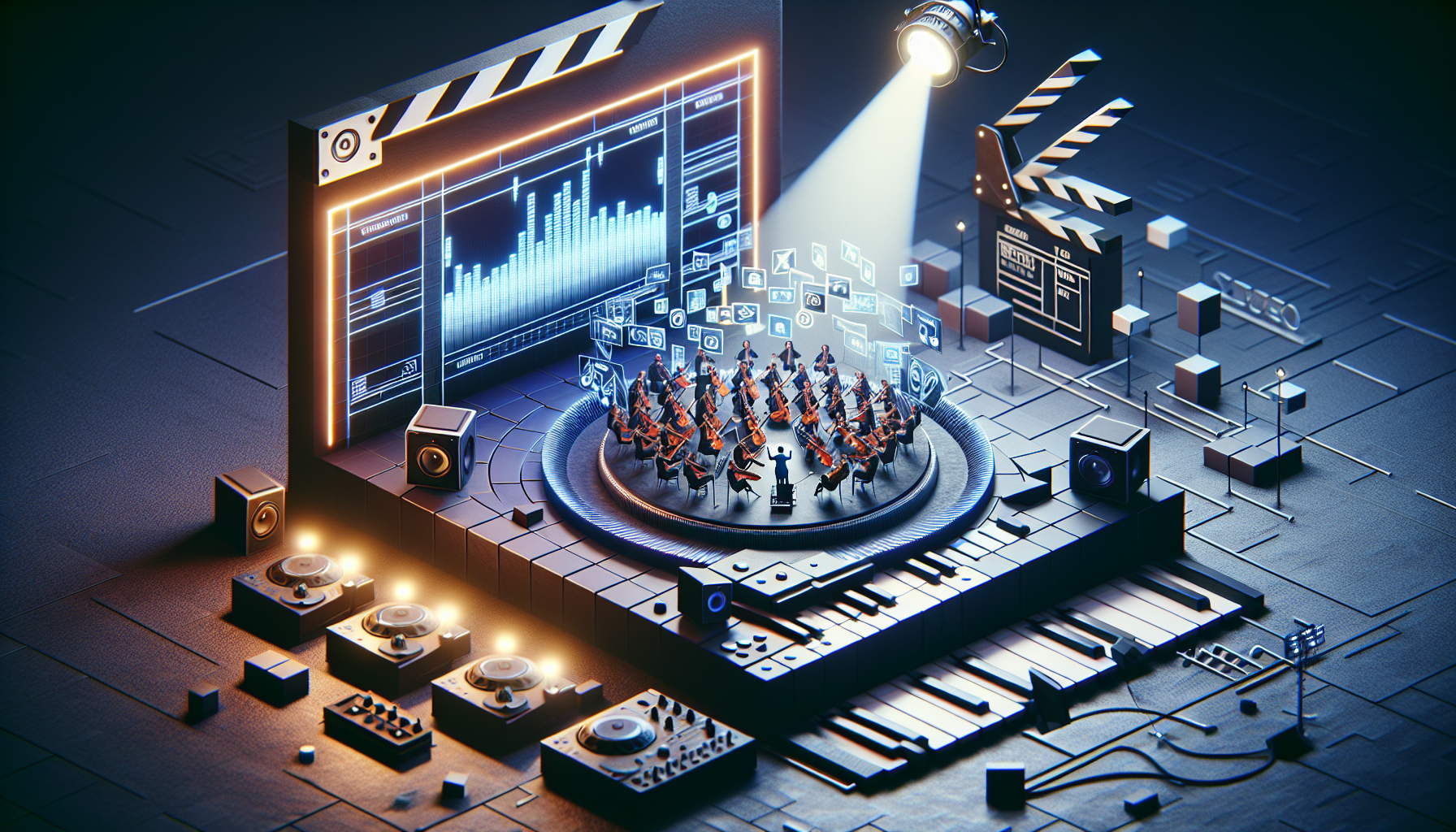
Welcome to the world of Unreal Engine’s Sequencer, where cinematic magic is crafted, and every detail is meticulously choreographed. From managing playlists to tagging, grouping, and creating template sequences, let’s dive deep into how to organize and optimize your cinematic projects, ensuring every scene is set just right for the spotlight.
Sequencer Playlists: DJing Your Scenes
Imagine being the DJ at a party where every track must hit at just the right moment. That’s what Sequencer Playlists are all about. They let you prepare and trigger different sequences during your virtual production, perfect for broadcasts or live events where timing is everything. Set up your playlists to control when each sequence plays, loop them, or hold a frame until the perfect moment. This functionality ensures your virtual events unfold seamlessly, without missing a beat.
Tags and Groups: Organizing the Orchestra
In the orchestra of your production, every instrument (or track) needs to be perfectly tuned and easily accessible. Using tags, you can mark your tracks with metadata, making them searchable and scriptable within Blueprints—think of it as labeling your violin section so you can spotlight them when the symphony hits its crescendo. Groups allow you to manage the display and selection of these tracks, ensuring that your timeline stays clean and navigable, no matter how complex the composition gets.
Sequences, Shots, and Takes: Capturing the Perfect Take
Every director knows the challenge of capturing the perfect shot. In Unreal Engine, you manage this through sequences, shots, and takes. This system allows you to organize your project into manageable chunks—sequences for each scene, shots for each camera angle, and takes for every attempt. It’s like having a digital clapperboard that not only says “Action!” but also helps you keep track of all your attempts until you get that perfect take.
Template Sequences: Reusable Cinematic Building Blocks
Think of template sequences as your reusable cinematic building blocks. Create a sequence once, and then apply it to any compatible actor across your scenes. Whether it’s a dramatic zoom, a timed explosion, or a subtle nod, these templates can be triggered across various projects, ensuring consistency and reducing the need to recreate complex animations from scratch. It’s akin to having a set of custom filters or effects in a video editing software, ready to enhance any clip with a click.
Integrating It All
- Start with Playlists: Set up your playlists to manage the broad strokes of your production, ensuring that each sequence fires off at the right time.
- Organize with Tags and Groups: Use tags to make specific tracks or sequences easily callable and editable through Blueprints. Organize related tracks into groups to simplify edits and adjustments, maintaining a clean and efficient workflow.
- Refine with Shots and Takes: Drill down into each scene with shots and takes, experimenting with different angles and performances until you find the one that perfectly captures your vision.
- Templatize: Create template sequences for commonly used animations or camera movements. Apply these templates across different projects or within the same project to different actors, maximizing your efficiency and ensuring a consistent style.
Why It Matters
Understanding and using these tools allows you to transform your Unreal Engine projects from simple animations into rich, dynamic cinematic experiences. You become the conductor of a digital symphony, with every note and pause placed with precision. It’s not just about making things look good—it’s about creating a workflow that allows you to iterate, experiment, and produce at the speed of creativity.
So, step up your game with Unreal Engine’s Sequencer tools, and make every project not just a production, but a masterpiece. Whether you’re staging a virtual concert, orchestrating a cinematic for a game, or setting up an interactive experience, these tools are your keys to a flawless performance.
