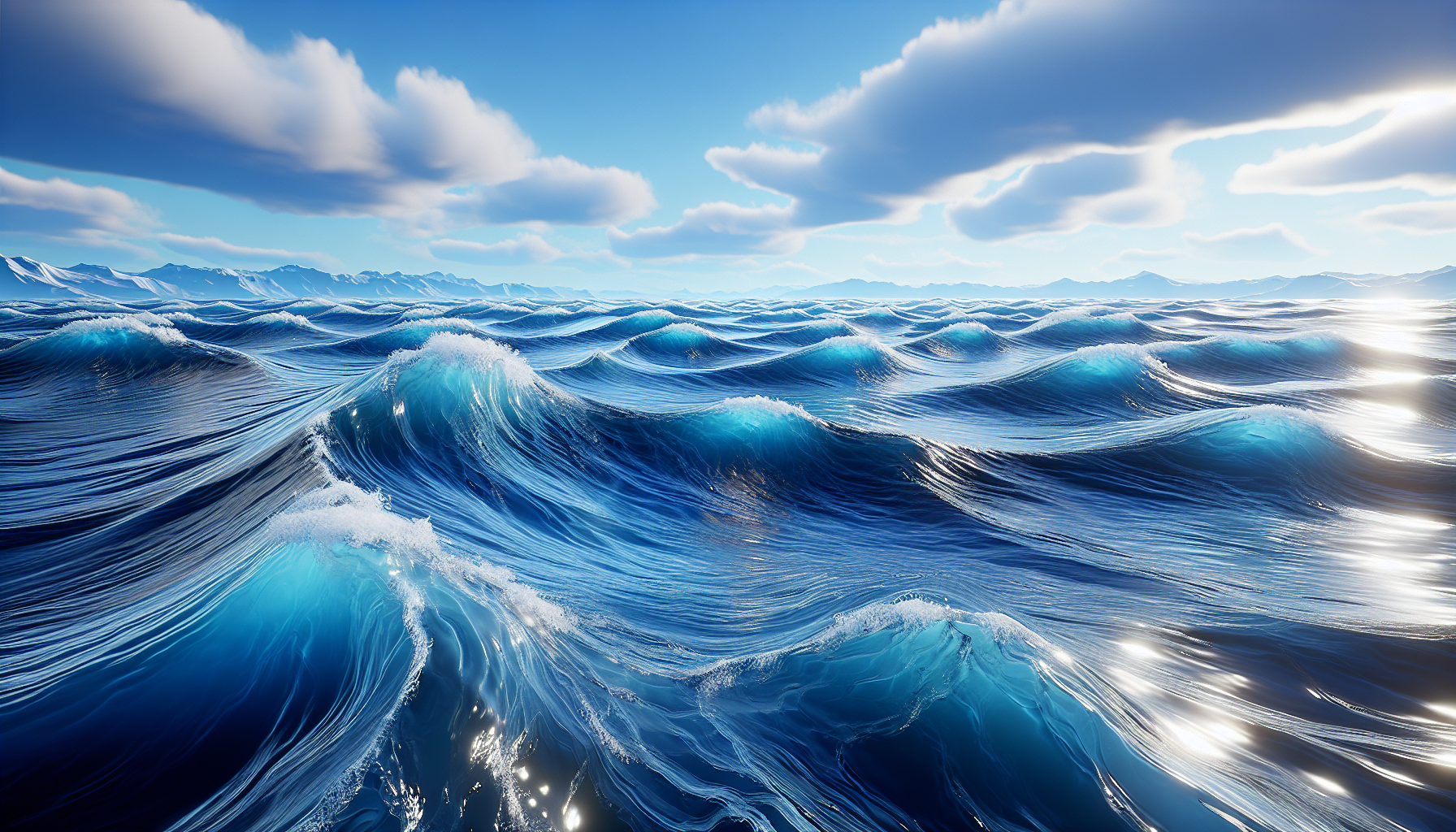
Ahoy, digital explorers! Today, we’re diving into the oceanic depths of Unreal Engine’s Water Waves asset to create rolling, realistic waves that would make Poseidon himself nod in approval. Whether you’re crafting a serene seaside setting or a stormy sea battle, mastering the wave simulation in Unreal Engine can elevate your water scenes from the flat digital ponds of yesteryear to the dynamic oceans of today. Grab your virtual surfboard, and let’s ride the waves of simulation!
Setting the Scene: Why Waves Matter
In the world of game development, water isn’t just another element—it’s a character, a challenge, and a canvas. The movement of water can set the mood, influence gameplay, and immerse players in a realistic environment. With Unreal Engine’s Water Waves asset, you wield the power to dictate the dance of the ocean, controlling everything from gentle ripples to towering tsunamis.
Step-by-Step Guide to Wave Simulation
Creating compelling wave simulations in Unreal Engine is like conducting an orchestra; every element needs to be in perfect harmony. Here’s how to get started:
Step 1: Prepare Your Ocean
- Create Your Water Body: Begin by adding a Water Body Ocean to your scene. This acts as the base for your aquatic canvas.
- Adjust the Scale: Depending on the size of your scene, scale your ocean to fit. A larger scale is perfect for open-sea scenarios, while a smaller scale suits coastal scenes.
Step 2: Integrate the Water Waves Asset
- Locate and Add the Asset: Find the Water Waves asset in your content browser. Drag and drop it into your ocean. This asset contains the magic—pre-configured wave patterns and physics that simulate real-world water dynamics.
- Customize Wave Parameters: Select your Water Waves asset in the scene and tweak its properties in the Details panel. Adjust the wave height, speed, and direction to match your desired ocean conditions.
Step 3: Fine-Tune Your Waves
- Modify Wave Complexity: For more detailed wave patterns, increase the complexity settings. This will add smaller, intricate motions to the waves, perfect for close-up shots or calm weather scenarios.
- Color and Transparency: To make your water visually appealing, adjust the color and transparency of the ocean material. Go for darker, deeper blues for deep sea effects or lighter, clearer tones for shallow waters.
Step 4: Animate Your Waves
- Keyframe Animation: For scenes requiring specific wave behaviors, such as increasing intensity or changing direction, use keyframe animations on the wave parameters. This can dynamically alter the ocean’s behavior over time, perfect for storytelling or environmental changes.
- Real-Time Adjustments: Utilize Blueprints or scripts to adjust wave parameters in real-time based on gameplay interactions, such as objects falling into the water or weather changes.
Step 5: Test and Optimize
- Playtest in Different Conditions: Run your scene under various light and weather conditions to see how your waves hold up. Ensure they look realistic and perform well across different scenarios.
- Optimize Performance: If the wave simulations are too demanding on performance, consider reducing the complexity or using Level of Detail (LOD) adjustments to maintain a smooth experience without sacrificing too much visual quality.
The Impact of Realistic Water in Games
With waves crashing and water churning, your game world comes alive. This dynamic element can transform passive environments into active, ever-changing landscapes that challenge players and enchant viewers. From the way light dances on the rippling surface to the sound of waves crashing against the shore, every detail adds depth to the virtual experience.
Conclusion: Master the Waves, Master the Scene
In the vast toolbox of Unreal Engine, the Water Waves asset is a powerful ally in bringing water scenes to life. By mastering wave simulation, you’re not just manipulating pixels; you’re breathing life into oceans, guiding rivers, and crafting the very currents that shape your world. So, whether you’re setting sail for distant shores or simply watching the sunset over the waves, remember: in the digital sea, you are the captain, and the horizon is limitless. Let the adventures begin!
