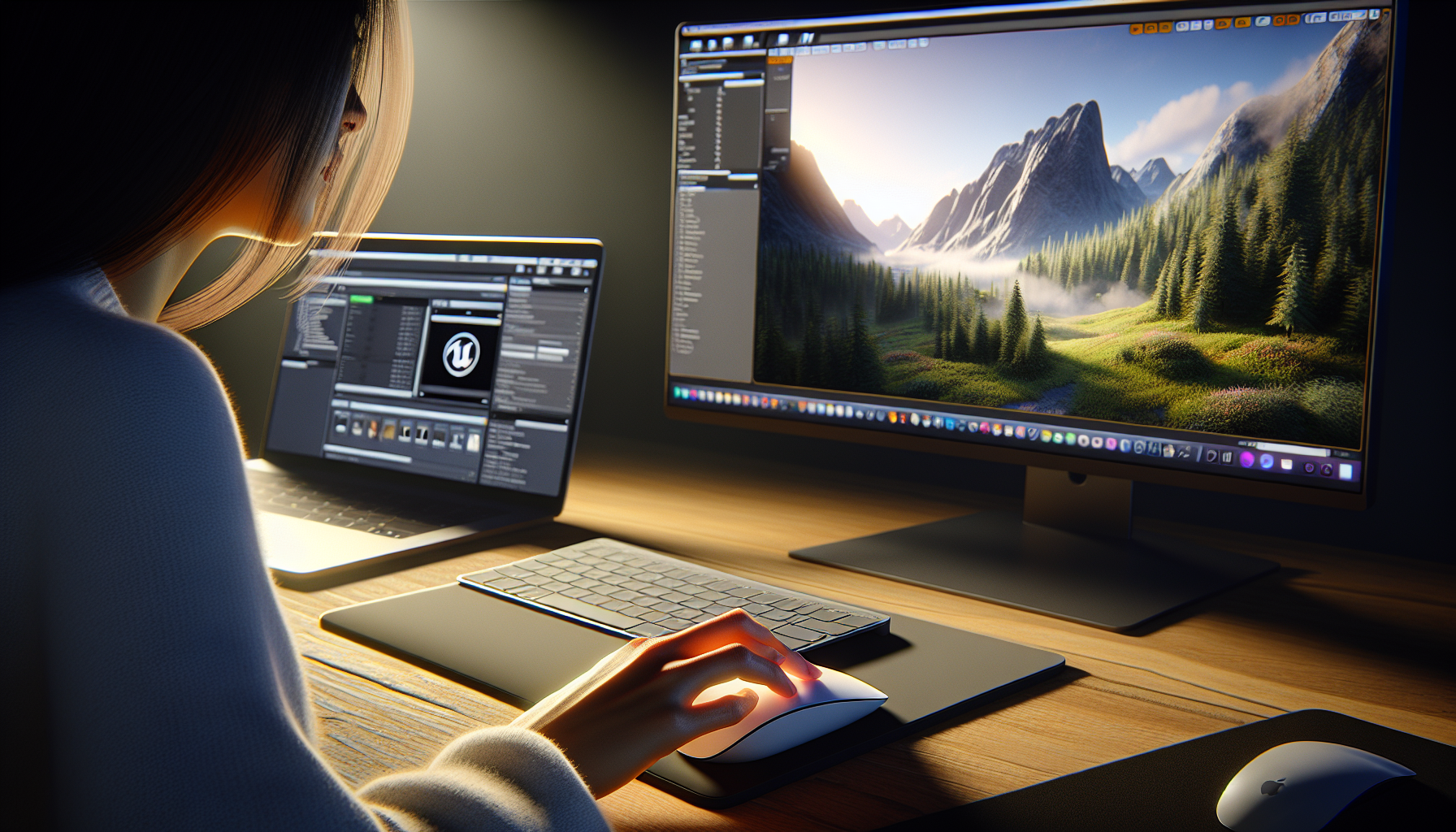
In the realm of Unreal Engine, where creation is bound only by imagination, the tools you use can transform your workflow from functional to magical. For MacOS users, the Apple Magic Mouse and Magic Trackpad aren’t just input devices; they are extensions of the creator’s will, capable of executing precise commands with a flick, a pinch, or a swipe. Today, we’re exploring how these devices can enhance not just navigation but various aspects of working within Unreal Engine.
Beyond Navigation: Expanding the Use of Magic Mouse and Magic Trackpad
While the Magic Mouse and Magic Trackpad are stellar for navigating through the editor viewports, their utility stretches far beyond simple scene traversal. Here’s how you can leverage these devices to streamline and enrich your Unreal Engine experience:
1. Sculpting Landscapes
When sculpting landscapes, the nuanced control offered by the Magic Trackpad can be particularly beneficial. The ability to use gestures like pinch-to-zoom or rotate with your fingertips makes fine-tuning the topology of your terrains feel more intuitive and direct.
- Pressure Sensitivity: Although not inherently pressure-sensitive, using touch gestures for landscape sculpting, like broad swipes for large changes or light flicks for subtle terrain details, can mimic a more tactile sculpting experience.
2. Material Editor
The Material Editor in Unreal Engine is a playground of visual scripting where shaders that define material properties are created. Here, the precision of the Magic Mouse and the expansive multi-touch surface of the Magic Trackpad allow for effortless node-based editing.
- Navigating Node Graphs: Use two-finger swipes to pan across the canvas or pinch-to-zoom to focus on complex nodes or pull back to see the overall structure.
- Linking Nodes: Dragging connections between nodes with a simple swipe or tap can feel as natural as drawing with a pen, making the process faster and more enjoyable.
3. Sequencer
Unreal’s Sequencer is where cinematic magic comes to life, and both the Magic Mouse and Magic Trackpad shine in managing timelines and keyframes with precision.
- Timeline Navigation: Swipe to scroll through your cinematic timeline quickly, or use pinch gestures to zoom in on specific keyframes for detailed editing.
- Adjusting Keyframes: Select and drag keyframes with ease, using tap gestures for fine adjustments without ever needing to switch devices.
4. Blueprint Visual Scripting
Blueprints are at the heart of gameplay mechanics in Unreal Engine. The Magic Trackpad, in particular, offers a significant advantage when navigating and editing complex blueprint graphs.
- Gesture-Based Editing: Utilize multi-touch gestures to move around the blueprint canvas, zoom in on specific functions, or group select nodes by dragging a selection box with a few fingers.
5. Asset Management and Browsing
The Content Browser in Unreal Engine is where all assets are organized and managed, a task that involves a lot of scrolling and selection, which can be made more efficient with the Magic Mouse and Trackpad.
- Quick Scrolling and Selection: Flick through asset lists quickly with the inertia scrolling capabilities of both devices, and tap to open or drag assets into your scene seamlessly.
Tips for Customization and Efficiency
To truly make the most of these tools in Unreal Engine, consider customizing their settings to suit your workflow:
- System Preferences: Dive into your Mac’s System Preferences to tailor the gesture responses of the Magic Mouse and Magic Trackpad. Adjusting these settings can help make your gestures more natural and responsive based on your personal touch.
- Unreal Engine Settings: Explore Unreal’s Editor Preferences to optimize how your inputs affect interactions within the engine, such as adjusting navigation speeds or gesture sensitivities.
Conclusion: Unleashing Creative Potential
With a Magic Mouse or Magic Trackpad in hand, MacOS users have a powerful way to interact with Unreal Engine that goes beyond mere functionality—it’s about fluidity, precision, and a touch of magic in every gesture. By expanding the use of these tools across different areas of Unreal Engine, you can enhance your efficiency, precision, and enjoyment, truly transforming the way you bring your creative visions to life.
Embrace the magic at your fingertips, and let it guide you through the expansive possibilities of Unreal Engine.
