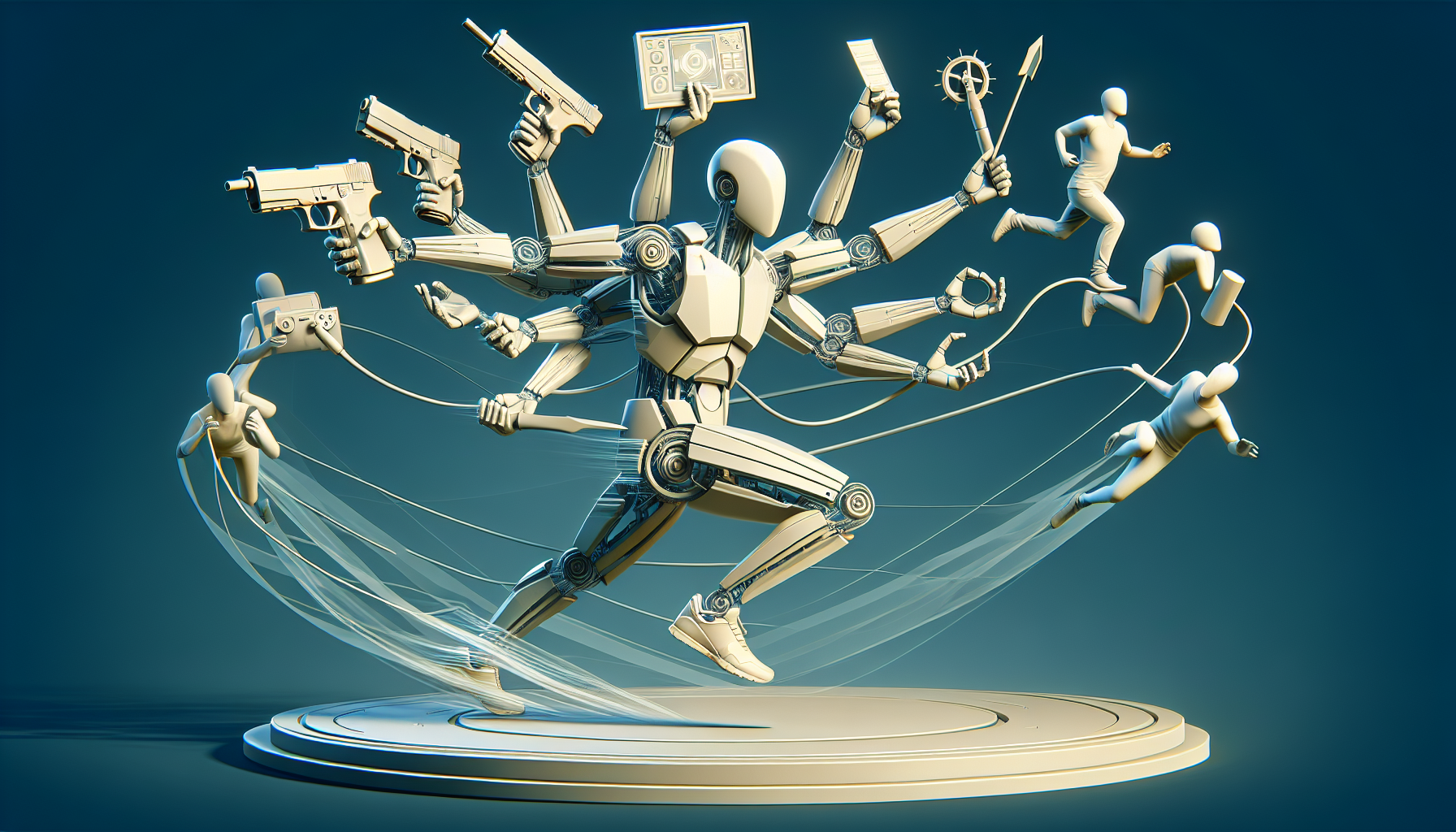
If you’ve ever marveled at a video game character seamlessly picking up a potion while sprinting from a dragon, or sighed appreciatively as a virtual protagonist interacts with the environment without breaking stride, you’ve witnessed the magic of layered animations. In Unreal Engine, this isn’t just nifty—it’s essential for creating characters that can chew gum, walk, text, and maybe juggle a few fire torches simultaneously without missing a beat.
The Multi-Layered Mastery of Layered Animations
Layered animations in Unreal Engine are like having a Swiss Army knife in your digital toolkit. They allow characters to perform multiple actions at once by layering animations on top of a base movement. It’s like patting your head and rubbing your stomach at the same time, except no one ends up looking silly.
How It Works: The Animation Orchestra
Think of your character as an orchestra. The base layer is the string section, providing the foundation—walking, running, or idly shifting weight from foot to foot. Then come the woodwinds, the brass, the percussion—animations for waving, jumping, ducking, or any other action that can be performed independently of the base movement. Here’s how you can conduct this orchestra:
- Base Layer Animation:
- This is your character’s default state. Set up a base animation layer in Unreal Engine that handles primary movements like walking or running. This layer ensures your character isn’t frozen in place, giving them fluid, continuous motion that serves as the groundwork for more specific actions.
- Adding Upper Body Overlays:
- Want your character to wave or throw an object while moving? Overlay an upper body animation on top of the base layer. This can be set up in the Animation Blueprint using layer nodes that specifically target the upper body bones, allowing the lower body to keep doing its thing—like running from mythical beasts.
- Synchronizing Actions:
- For more complex interactions, such as pulling a lever while looking around cautiously, synchronize multiple layers. These might involve separate animations for the head, arms, and even the eyes, each layer smoothly blending into the others without disrupting the overall flow of movement.
Why Layered Animations Are a Game-Changer
- Versatility and Realism: Characters can perform multiple, independent actions simultaneously, greatly enhancing realism and responsiveness. It’s like upgrading from a two-dimensional character to a fully-realized being who can multitask effectively.
- Enhanced Player Experience: Layered animations allow for smoother and more engaging player control. Players can execute secondary actions without interrupting primary movements, making gameplay feel more intuitive and dynamic.
- Efficiency: By reusing base animations across different scenarios, you can significantly cut down on the amount of animation work required. Layer different actions on the same walking or running animation to create diverse behaviors without starting from scratch every time.
Pro Tips for Layered Animation Success
- Keep Transitions Smooth: Ensure the transitions between different animation layers are smooth and natural. Abrupt changes can break immersion and make your character’s movements feel mechanical rather than fluid.
- Balance the Layers: While it’s tempting to layer multiple animations, moderation is key. Overloading a character with too many actions can lead to confusing or unnatural movements. Always aim for clarity and purpose in each layered animation.
- Test Extensively: Layered animations can sometimes lead to unexpected results, especially when multiple layers interact. Rigorous testing is crucial to ensure that animations blend seamlessly under various gameplay conditions.
Conclusion: The Symphony of Simultaneity
Layered animations in Unreal Engine are about letting your characters live their best lives, doing multiple things at once with the grace of a ballet dancer and the precision of a robot. Whether it’s a hero swinging a sword while sprinting or a villain smirking while plotting, mastering the art of layered animations can breathe life into your digital creations, making them ready for whatever complex, multitasking challenges come their way. So, layer up those animations and let your characters truly perform!
