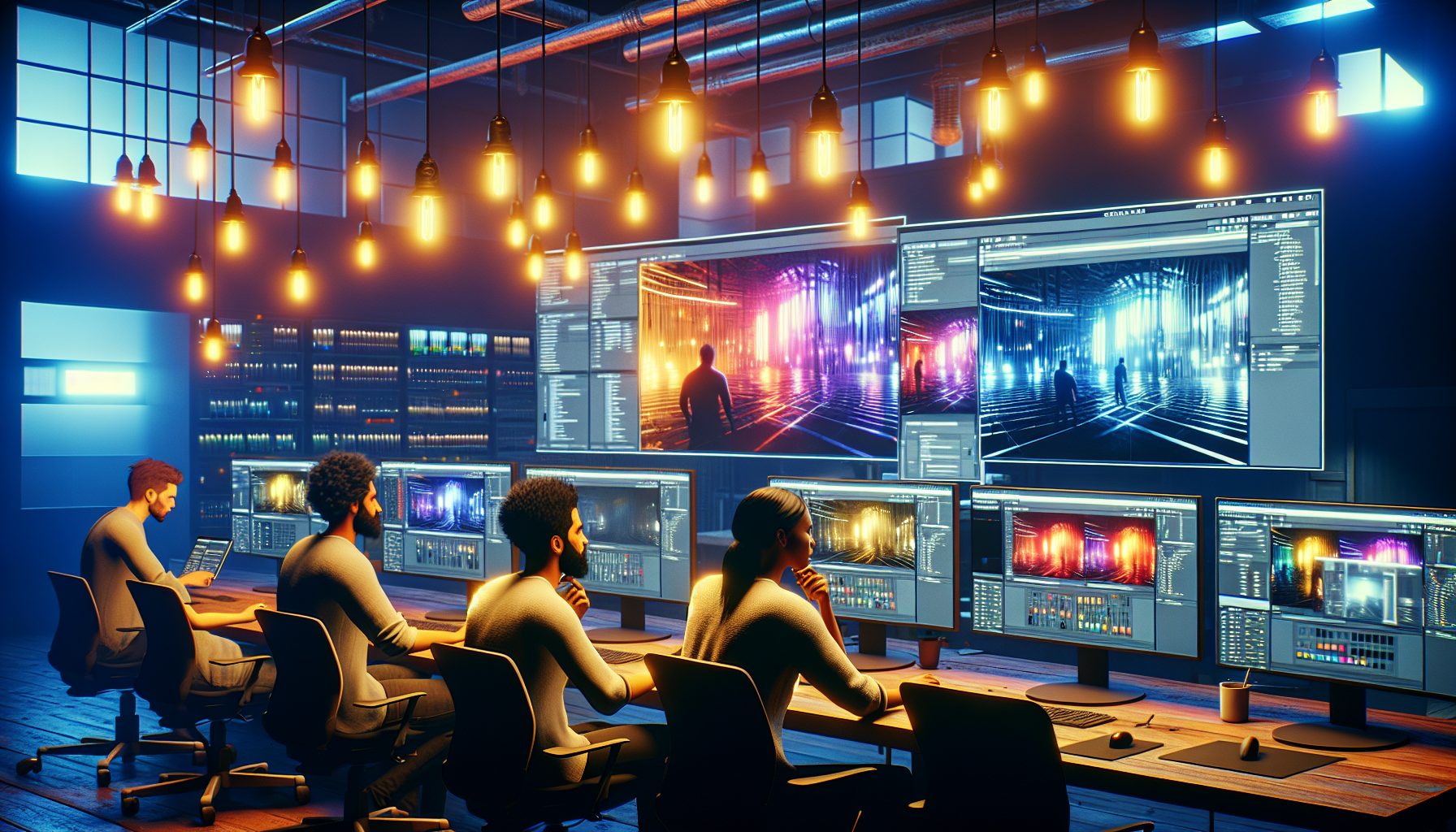
If you’re a game developer, a CGI aficionado, or someone who just likes to push pixels around for fun, getting a grip on UE5’s lighting tools is key to transforming your digital doodles into masterpieces. So, strap in, adjust your brightness settings, and let’s explore the luminary landscape of UE5’s lighting options.
1. Understanding the Basics: Light Types in UE5
In UE5, lighting can fundamentally be categorized into three types based on their behavior in the environment: Static, Stationary, and Movable. Knowing which type to use is crucial for optimizing both performance and visual impact:
Static Lights
Static Lights are precomputed, which means they do not change in real time and are best for performance in static scenes.
Stationary Lights
Stationary Lights provide a middle ground, where the main light remains static but aspects like shadows can dynamically change.
Movable Lights
Movable Lights are fully dynamic, suitable for environments where lighting conditions change frequently, such as in scenes with moving objects or varying weather conditions.
2. Exploring Key Lighting Elements
Directional Lights
These are your virtual suns, casting parallel light rays that simulate sunlight across entire scenes. They’re ideal for setting the basic mood and lighting direction, much like choosing the time of day in a photograph.
Point Lights
Resembling light bulbs, these radiate light equally in all directions and can simulate smaller light sources like lamps or fireflies. They add local ambiance and detail to specific areas.
Spotlights
Think of these as your focused lighting tools, great for highlighting specific elements or creating dramatic effects, akin to a spotlight on a theater stage.
Area Lights
Soft and diffused, area lights mimic the real-world lighting you’d get from sources like windows or overhead fluorescent panels, ideal for realistic interior lighting.
3. Dynamic Global Illumination with Lumen
Enter Lumen, UE5’s real-time global illumination system that’s about as close as you can get to having the sun on a dimmer switch. It dynamically adjusts to light changes and geometry, making it perfect for scenes where you can’t be bothered to relight every time a character decides to open a door. It also does this without the heavy computational costs typically associated with such detail.
Benefits of Using Lumen:
- Dynamic Response: Lumen adjusts to changes like moving objects, altering light paths and reflections on the fly.
- Enhanced Realism: It simulates natural light filling through indirect lighting, improving realism especially in scenes with complex light interactions.
4. Path Tracing: When to Use It Over Lumen
While Lumen provides an excellent solution for most real-time applications, path tracing is your go-to option when absolute realism is paramount, particularly in static scenes or highly detailed visualizations where you can afford longer rendering times. Path tracing uses ray tracing algorithms to simulate the way light travels and interacts with surfaces, providing photorealistic lighting results.
When to Opt for Path Tracing:
- High-Quality Renders: Ideal for scenarios where visual quality cannot be compromised, such as final film production frames or high-resolution architectural visualizations.
- Static Scenes: Because path tracing can be computationally intensive, it’s best used in non-real-time scenarios or where scene elements remain largely unchanged.
5. Practical Tips for Lighting in UE5
Here are some strategies to enhance your lighting setup in UE5:
- Use Directional Light for Overall Mood: Set the stage with a directional light to establish your scene’s general lighting.
- Combine Different Light Types: Layer various lights to create depth. Use spotlights for dramatic effects and point lights for local ambiance.
- Experiment with Lumen and Path Tracing: Utilize Lumen for dynamic scenes and switch to path tracing for those shots where only the highest level of realism will suffice.
Wrapping-Up: Lighting Your Way in UE5
As you explore UE5’s lighting capabilities, remember that effective lighting is as much about artistic expression as it is about technical knowledge. Whether adjusting the angle of a directional light or fine-tuning path tracing settings, each choice paints your scene with deeper meaning and emotion.
