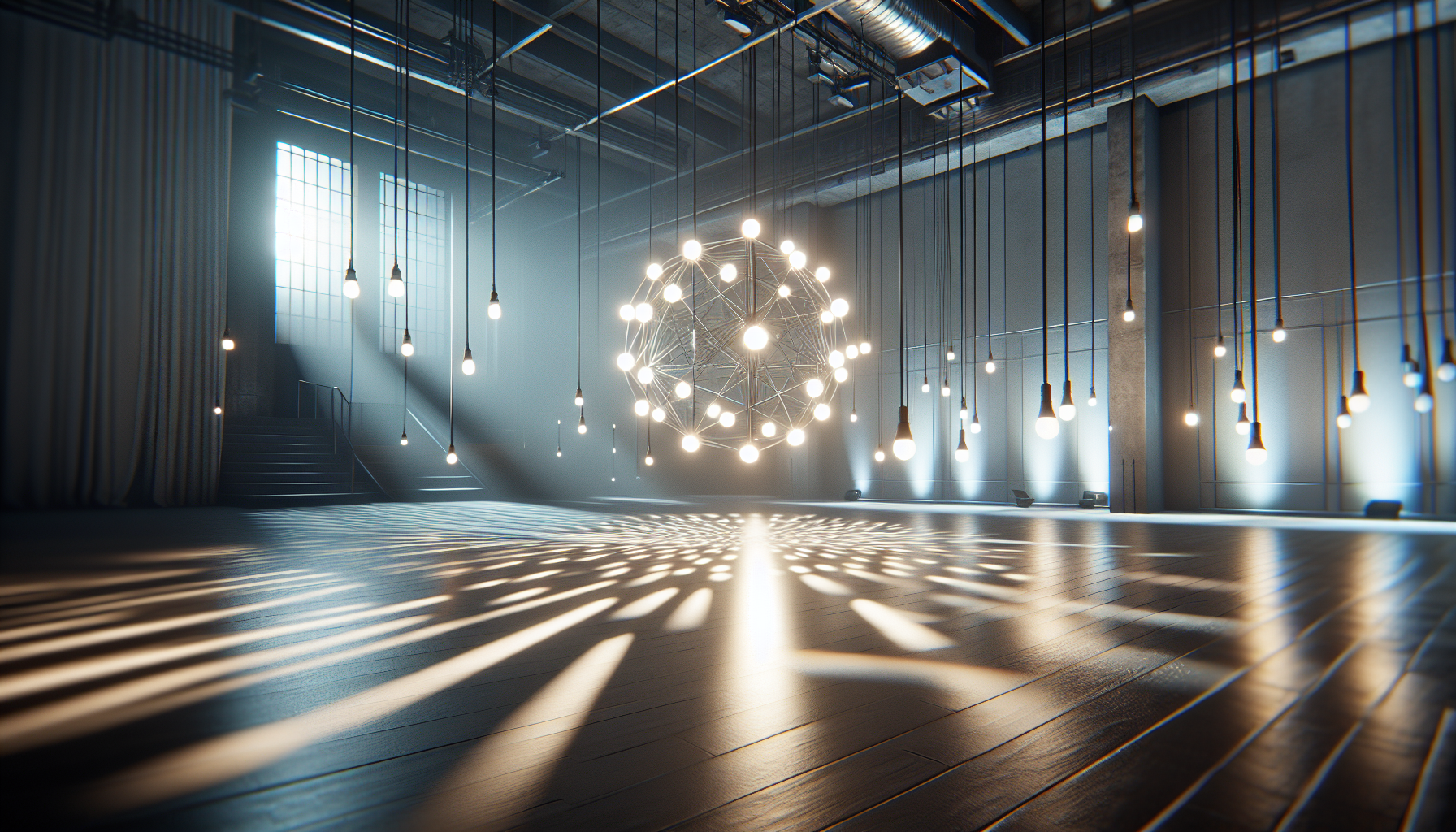
Ah, light! That elusive sprite that dances on the edges of your lovely rendered objects, transforming your drab 3D scenes into realms of mesmerizing beauty—or glaringly exposing the flaws you tried to hide under a metaphorical digital rug. Welcome to the bright world of Lumen Global Illumination and Reflections in Unreal Engine 5, where we make photons behave without a physics degree.
What Exactly is Lumen?
Imagine Lumen as your scene’s personal lighting director, who’s inexplicably good at multitasking. Lumen Global Illumination (GI) and Reflections ensure your virtual world is as moody, atmospheric, and lifelike as possible without the hassle of handling real lights or cleaning up broken bulbs.
Why Lumen Rocks Your Virtual World
- Dynamic Delights: Change a light source in your game? Lumen reacts in real-time, updating reflections and illumination faster than you can say “Oops, I changed my mind again.”
- Natural Light Behavior: Lumen mimics how light interacts with the real world, including how it bounces off surfaces. This means you get natural-looking scenes where your characters won’t look like they’re attending a poorly-lit underground rave—unless that’s your aim.
- Reflection Perfection: Say goodbye to the days of “good enough” mirror images. Lumen ensures reflections are accurate and in sync with the world around them, so if your character moves a lamp, the reflections know what’s up. Revolutionary, right?
Setting Up Lumen in Your Unreal Project
- Enable Lumen: First, make sure your project is set up to use Lumen because Unreal Engine won’t read your mind—yet. Go to your project settings, search for “Lumen,” and enable all the features under the Global Illumination and Reflections categories. Click apply and watch your scene step out of the dark ages.
- Lighting Basics: Place some light sources in your scene. These can be as simple as a directional light for the sun and a few point lights for indoor scenes. Lumen treats them like the stars they are, casting their glow across surfaces and through windows.
- Material Magic: Lumen loves materials, especially those with some shine. Adjust your material settings like roughness and metallic to see how Lumen’s reflections change. Want a mirror-like finish? Crank up the metallic and watch your scene reflect with pride.
Tweaking Lumen for the Perfect Mood
- Adjust the Indirect Lighting Intensity: This slider is like the dimmer switch for your scene’s ambient mood. Lower settings for a gloomy, overcast day, or crank it up for that blinding, just-got-out-of-a-dark-room feeling.
- Mess with Lightmass Settings: If you’re nostalgic for the old days, dive into the Lightmass settings to fine-tune how Lumen handles bounced light. Just a warning: it’s a bit like texting an ex. Proceed with caution.
Common Lumen Faux Pas to Avoid
- Overdoing It: Like salt in cooking, too much lighting can ruin your scene. Lumen’s powerful, but wield its capabilities with care. Your game shouldn’t look like the inside of a supernova unless that’s your theme.
- Ignoring Performance: Lumen is pretty, but it demands its share of resources. Keep an eye on performance, especially if you’re targeting consoles that can’t quite keep up with your artistic vision.
Wrap-Up: Your Path to Enlightened Scenes
Congratulations! You’re now ready to use Lumen Global Illumination and Reflections to make your Unreal Engine 5 projects truly shine. Remember, with great power comes great responsibility—use Lumen wisely, and your scenes will light up not just screens, but hearts.
Or at least, they won’t look like they were lit by a flashlight under a blanket. Happy illuminating!
