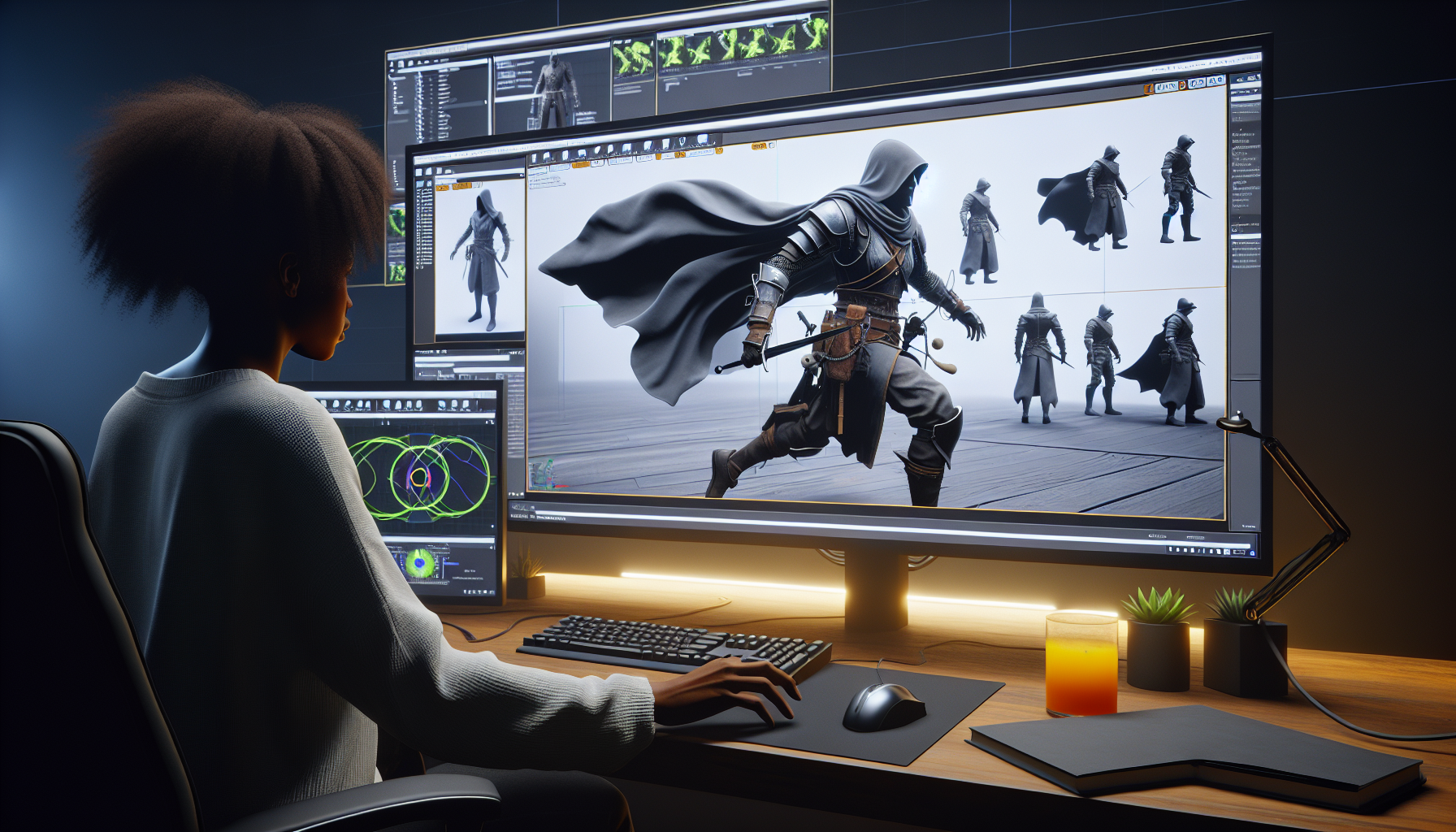
Welcome to the bustling backstage of Unreal Engine where the magic of dynamic animations transforms stiff digital mannequins into graceful, physics-obeying entities. If you’ve ever dreamed of characters whose gear jangles and jives as they jump and jog, you’re in the right place. Let’s roll up our digital sleeves and dive into the nitty-gritty of AnimDynamics in Unreal Engine — because why should your character’s cape be as lifeless as last year’s party balloons?
Dynamic Animations: The What and the Wow
Dynamic animations are about adding that extra layer of realism to your characters, making sure their movements aren’t just seen but felt. This goes beyond simple scripted animations; we’re talking about items that bounce, sway, and react to the character’s movements in real time. Think hair that flows in the wind, pouches that bounce with each step, and swords that swing with weight. It’s all about making your digital world a little more connected to the laws of physics.
Setting Up Your Character for Dynamic Animations
Before you can start playing around with dynamic physics, your character needs to be properly set up. Here’s how you get from static to dynamic:
- Character and Skeleton Prep:
- Ensure your character model, complete with its skeletal framework, is imported into Unreal Engine. This skeleton is what you’ll be animating, so make sure it has all the necessary bones for whatever you want to move dynamically.
- Applying AnimDynamics:
- Navigate to your character’s Animation Blueprint. Here’s where the fun begins. You’ll add AnimDynamics nodes to your animation graph, targeting the bones you want to jazz up with some physical authenticity.
- Fine-Tuning the Dynamics:
- Each AnimDynamics node offers a plethora of settings to tweak. Want your character’s necklace to sway subtly? Reduce the force application in the node’s settings. Need that sword to swing like it’s actually heavy? Adjust the node’s weight and inertia settings.
Step-by-Step: Dynamic Wizardry in Action
Let’s say your character has a rather snazzy harness that needs to react to their movements:
- Add the AnimDynamics Node:
- In the Animation Blueprint’s graph, right-click, search for, and add an AnimDynamics node. Connect this node in-line with the part of the graph that handles the body part you’re enhancing.
- Configure the Dynamics:
- Select the AnimDynamics node and start playing around with settings. Attach it to the specific bone you’re interested in — the harness bone, in this case. Set parameters like Damping (to control how quickly the motion settles) and Stiffness (to define how rigid the motion is).
- Preview and Adjust:
- With Unreal Engine’s powerful preview tools, watch how your adjustments play out in real time. Too much jiggle? Tone down the Stiffness. Not enough sway? Ease up on the Damping.
Why Bother With Dynamic Animations?
The real question is, why not? Dynamic animations:
- Enhance Realism: They bridge the gap between the digital and the real by introducing physics-based movement that players instinctively understand and appreciate.
- Increase Immersion: When a character’s equipment moves realistically, players feel more connected to the game world, enhancing the overall immersive experience.
- Provide Visual Feedback: Dynamic animations can also serve as visual cues in gameplay, such as indicating movement direction or the impact of environmental factors.
Mastering the Dynamics
Mastering dynamic animations in Unreal Engine is like learning to conduct an orchestra where each musician is a different element of your character’s gear. Each item responds not just to your baton’s wave but to the symphony of gameplay itself. It’s about balance, tuning, and a touch of flair to make sure every leap, dive, and dash is as alive as the world around it.
So there you have it, a crash course in bringing your Unreal Engine characters to life with a bit of dynamic dazzle. Dive into the AnimDynamics toolset, tweak those settings, and watch as your digital creations move with a newfound grace. After all, in the virtual world, as in life, it’s the little movements that often speak the loudest.
