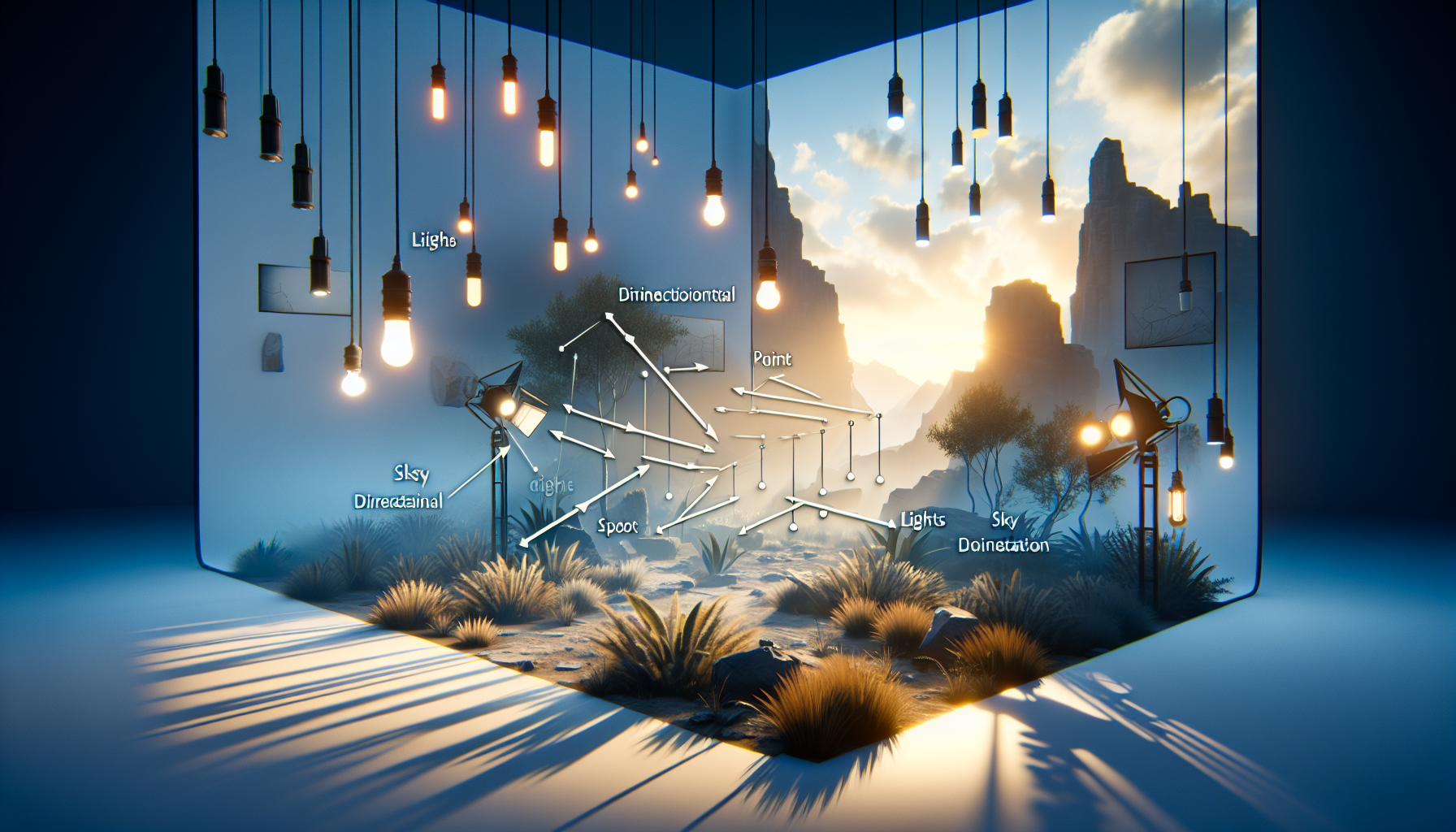
Ah, lighting—the unsung hero of visual storytelling. Whether it’s setting the mood for a creepy alleyway in a video game or highlighting the protagonist in a virtual reality setup, lighting does more than just brighten up a scene. It’s like the best supporting actor in your cinematic masterpiece, subtly stealing the show without hogging the spotlight. So, let’s dive into the sparkling waters of Unreal Engine’s lighting system. Trust me, it’s more exciting than it sounds, sort of like discovering a hidden door in a well-lit, otherwise mundane room!
1. The Basics: Types of Lights
First up, let’s get the introductions out of the way. Unreal Engine offers a quartet of lights, each with its unique traits:
- Directional Lights: These are your sun gods, casting rays over the entire scene like it’s the dawn of time. Perfect for simulating that grand ol’ star at the center of our solar system.
- Point Lights: Think of these as bulbs hanging in space. They emit light in all directions, like a glowing orb of generosity, illuminating everything around them.
- Spot Lights: The divas of the lighting world, spotlights command attention to specific stage parts. They’re the dramatic flair in an otherwise evenly lit scenario.
- Sky Lights: These are the ambient mood setters, capturing the distant light scattering in the sky and gently bathing the scene in it. It’s like the glow from an overcast sky but without the need for a weather forecast.
2. Properties That Pack a Punch
Diving deeper, each light in Unreal Engine boasts properties that would make even a Swiss Army knife look under-equipped:
- Intensity: This is the throttle of your light. Crank it up, and you flood your scene with luminosity; dial it down, and you’re in mood lighting territory.
- Color: Here’s where you get to play with the emotional palette. A cool blue for a somber scene or a fierce orange for a fiery sunset—choose your hue, and set your scene’s temperature.
- Attenuation Radius: For point and spotlights, this determines how far the light reaches. It’s like deciding how loud your light’s voice is. Loud and proud across vast distances, or a gentle whisper just nearby?
- Cone Angle: Exclusive to spotlights, this property lets you decide how narrow or wide your beam gets. It’s like adjusting a camera lens to get that perfect frame.
3. Dynamic or Static: Choose Your Lighting Adventure
In Unreal Engine, lights can be either dynamic or static. Here’s the lowdown:
- Static Lights: These are the steady Eddies. Once baked into the scene, they don’t budge. They’re calculated beforehand, making them less taxing on your system. It’s like setting the stage lights before the audience arrives and leaving them be.
- Dynamic Lights: The improvisers of the lighting world, these lights can move, change, and react to the environment in real-time. Great for dynamic scenes, like a nighttime car chase where headlights pierce the darkness.
4. Shadows: Where Lights Dare Not Shine
What’s light without a little darkness? Unreal Engine’s lights cast shadows just as well as they illuminate. Configure shadow softness, darkness, and even color. After all, what’s a mysterious alleyway without a dark corner, or a sunny meadow without the playful dance of leaf shadows?
5. Performance: The Balancing Act
Let’s not forget, with great power comes great responsibility. Using lights willy-nilly can bog down your project faster than you can say “Let there be light.” Use lightmap optimizations, balance static and dynamic lights, and keep an eye on performance metrics to ensure your scene is as efficient as it is beautiful.
In Conclusion
So, there you have it—a whirlwind tour of Unreal Engine’s lighting capabilities, as illuminating as it is essential. Whether you’re a seasoned pro lighting up a complex scene or a beginner just trying to set the right mood, understanding and mastering lighting can dramatically elevate your project. It’s not just about making things visible; it’s about setting the stage for your stories to unfold, in shadows and in light.
